
Moto FRP Tool Free Download for Windows Latest Version [2026]
Motorola users may face a Google account verification screen after a factory reset, especially when Factory Reset Protection (FRP) is enabled. Moto FRP Tool provides a practical Windows-based solution for supported Motorola devices. It is designed for technicians and users who need to service Motorola FRP, resolve Google account verification issues, and perform bootloader tasks using supported methods.
Also Use: Octoplus Samsung Tool v5.1.2.1 Download Best Latest Version [2026]
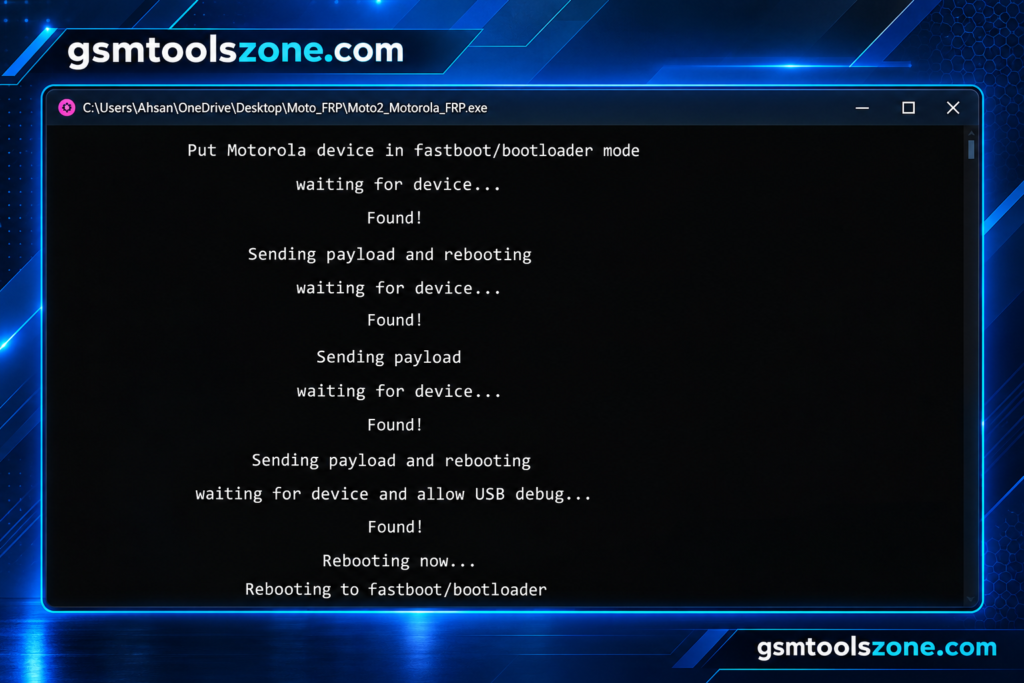
What is Moto FRP Tool?
Moto FRP Tool is a Windows-based servicing tool. It is especially designed for supported Motorola smartphones. It helps technicians handle certain Factory Reset Protection (FRP) and bootloader-related tasks through supported methods. The tool is mainly useful for Motorola device repair, FRP servicing, and bootloader tasks.
Features
Portable Utility:
Moto FRP Tool is a portable Windows application, so users can run it without a complicated installation process. It can also be stored on a USB drive for convenient use.
Simple User Interface:
The tool has a clean and simple interface that keeps the available Motorola servicing options easy to access. This makes it suitable for beginners and mobile technicians alike.
FRP Servicing:
Moto FRP Tool includes FRP-related options for supported Motorola smartphones. The available methods may depend on the device model and Android version.
ADB Support:
The tool provides useful ADB functions for supported devices. These options let you detect devices, read information, enable ADB-related operations, and reboot the phone.
Hard Reset:
A hard reset option is available for compatible Motorola devices. It can be useful when performing supported factory reset operations during device servicing.
Fastboot Functions:
The Fastboot section provides different servicing options for compatible Motorola phones. It includes supported bootloader and device-related operations.
OEM Unlock Support:
Moto FRP Tool provides an OEM Unlock option for supported Motorola devices. The operation depends on the device condition, bootloader status, and supported connection mode.
Motorola FlashTool:
The built-in Moto FlashTool allows users to select compatible XML firmware files and perform supported flashing operations on Motorola devices.
Serial Recovery:
The tool includes a Recover Serial Motorola function for supported devices. This option is intended for specific device servicing situations where serial information needs to be recovered.
Bootloop Recovery:
Moto FRP Tool provides a bootloop recovery option for compatible Motorola smartphones. It can help with supported servicing cases where a device remains stuck during the boot process.
Format Userdata and Cache:
The tool includes options to format userdata and cache on supported devices. These functions can be useful during certain reset and software servicing procedures.
Motorola Moto Device Support:
Moto FRP Tool is specifically focused on compatible Motorola Moto smartphones, providing several device-servicing functions from one Windows utility.
Windows Support:
The tool is designed for Windows computers and provides a lightweight environment for Motorola Android servicing tasks.
Pros and Cons
Pros
- Simple and easy-to-use interface
- Portable application with no complex installation
- Supports FRP-related servicing on compatible Motorola devices
- Includes ADB and Fastboot functions
- Provides Motorola flashing options
- Includes bootloop recovery and reset functions
- Supports multiple device servicing operations in one tool
Cons
- Works only with supported Motorola devices
- Some functions may depend on the Android version
- Correct USB drivers may be required
- Not every device supports every available function
- Some operations require the phone to be detected in a specific mode
System Requirements
| Requirements | Details |
|---|---|
| Operating System | Windows 7, 8, 10, or 11 |
| Processor | Intel or AMD Processor |
| RAM | 4 GB or more |
| Storage | At least 1 GB of free space |
| USB Port | Required for connecting Motorola devices |
How to download the Moto FRP Tool?
- Visit the official website.
- Click on the Download button to start the download.
- Wait for the download to complete.
- Extract the downloaded ZIP file if it is compressed.
- Open the extracted folder and run the Moto FRP Tool.
- Install the required USB drivers if your device is not detected.
Setup Download Information
- File Version: Latest 2026
- File Size: 3.38 MB
- File Password: gsmtoolszone.com
- Download Link👇
Conclusion
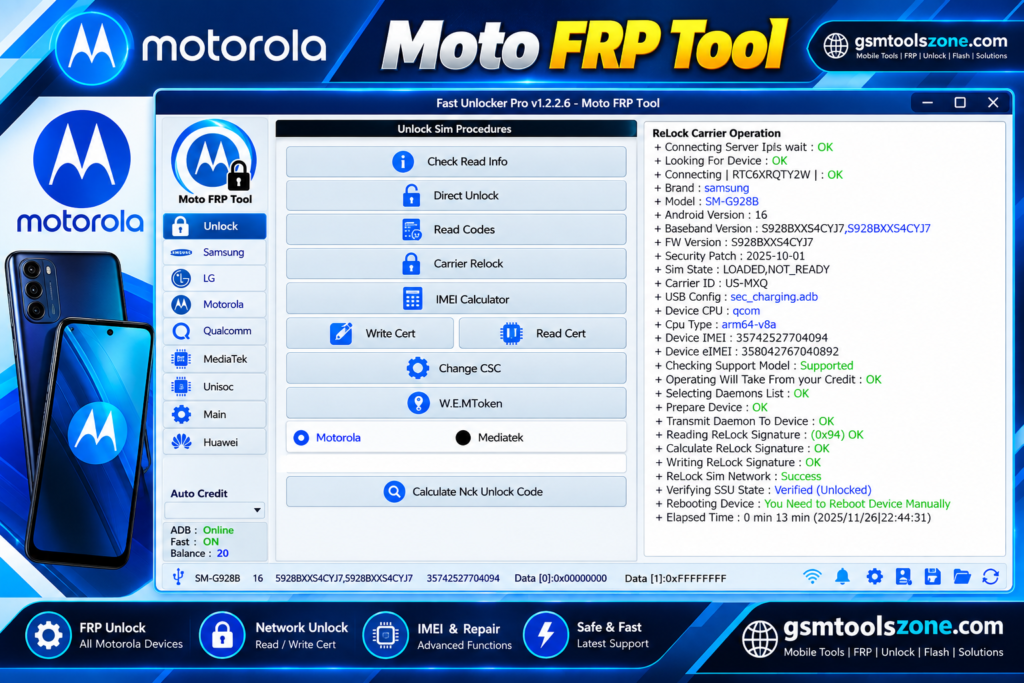
Moto FRP Tool is a lightweight Windows tool for Motorola device servicing. It combines different functions, such as FRP-related operations, ADB, Fastboot, flashing, reset, and bootloader options, into one tool. These features can be useful for technicians working with supported Motorola smartphones. It has a simple interface, whether you are a beginner or an expert. You can download and solve problems with just one click.
FAQs
What is the Moto FRP Tool used for?
It can be used for supported Motorola servicing tasks such as FRP-related operations, bootloader functions, flashing, reset, and bootloop recovery.
Does the Moto FRP Tool require drivers?
Yes. Compatible Motorola, ADB, or Fastboot drivers may be required for proper device detection and communication.
Can Moto FRP Tool remove FRP?
It provides FRP-related servicing options for supported Motorola devices. The available method depends on the device and software version.
Is Moto FRP Tool free?
The availability and usage terms depend on the version of the tool and its source. Check the download information before using it.



One Comment
Comments are closed.