
UMT Tool v13.6 Free Download Latest Version [2026]
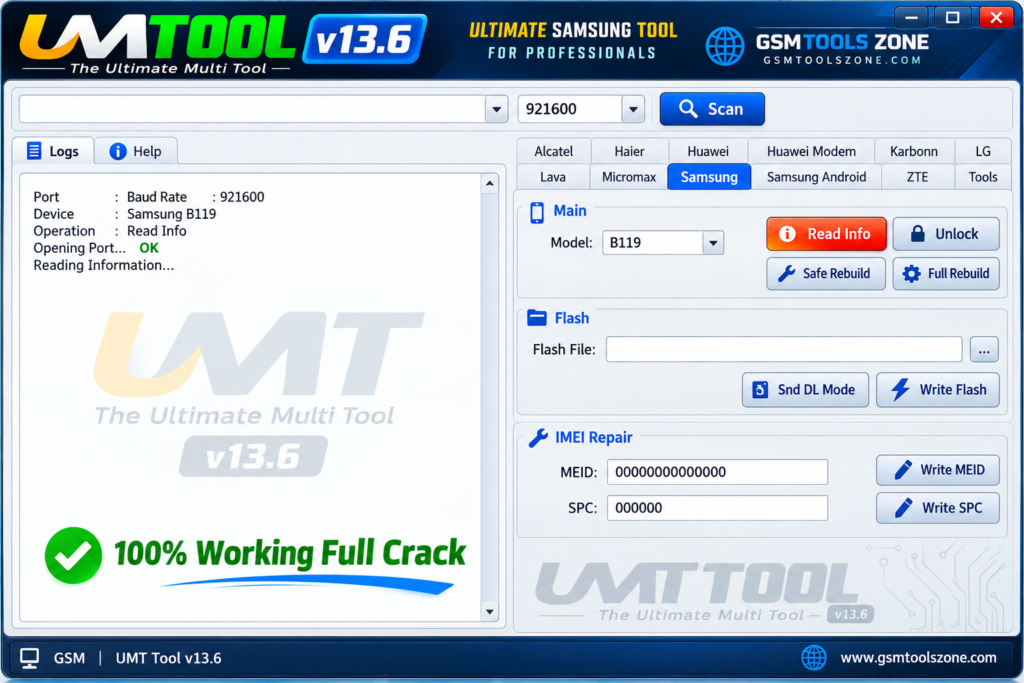
When your Android phone is stuck in a boot loop, showing an FRP lock, failing to flash firmware, or facing other software problems, UMT Tool v13.6 provides a practical Windows-based solution for repairing and servicing supported Android smartphones from different brands. It is designed for mobile technicians and users. UMT Tool v13.6 supports firmware flashing, FRP servicing, device information, formatting, reset, and other software repair functions in one place. It supports Qualcomm and MediaTek chipsets, as well as other Android devices.
Also Use: FRT Tool v1.7.5 Safe Setup Download 100% Working
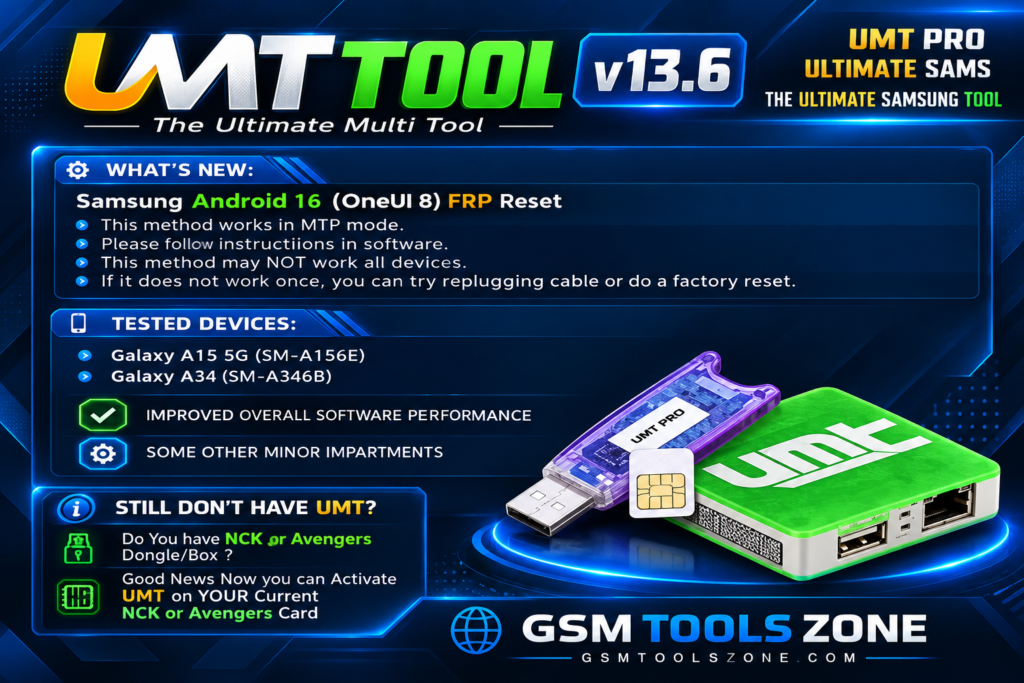
What is UMT Tool v13.6?
UMT Tool v13.6 is a Windows-based mobile servicing tool. It is used to work with supported Android smartphones. UMT Tool v13.6 supports selected devices using chipsets such as Qualcomm, MediaTek, Samsung Exynos, Spreadtrum, and HiSilicon. UMT Tool v13.6 can provide functions for FRP servicing, screen lock-related tasks, firmware operations, device information, formatting, and other software repair processes. UMT Tool v13.6 supports different popular Android brands like Xiaomi, Redmi, Huawei, Oppo, and Samsung. It has a simple interface that is easy to use for everyone.
Features
Qualcomm and MediaTek Support:
UMT Tool supports selected Qualcomm and MediaTek Android devices. It provides different servicing options based on the device model and chipset.
FRP Servicing:
The tool includes FRP (Factory Reset Protection) servicing functions for supported Android phones. Technicians can use the available options to handle Google account verification issues on compatible devices.
Screen Lock Support:
UMT Tool provides selected functions for handling screen lock issues, including supported PIN, password, and pattern-related servicing operations.
Firmware Flashing:
The tool can be used for firmware flashing on supported devices. This can help technicians troubleshoot software problems, corrupted firmware, and certain boot-related issues.
Factory Reset and Formatting:
UMT Tool provides factory reset and formatting options for compatible devices. These operations can help resolve certain software and lock-related problems, but some methods may erase user data.
Boot and Software Repair:
The tool includes servicing functions for certain boot errors, boot loops, and Android software problems. Available repair options depend on the connected device and chipset.
Samsung and HiSilicon Support:
UMT Tool provides selected servicing functions for compatible Samsung Exynos and HiSilicon devices, giving technicians wider coverage across different Android platforms.
IMEI and Network Repair:
For supported devices and authorized repair work, UMT Tool includes selected functions related to IMEI, Bluetooth, and Wi-Fi MAC address repair. These functions should only be used on devices you own or are authorized to service.
Pros and Cons
Pros
- Supports selected Qualcomm and MediaTek devices
- Includes FRP servicing functions
- Supports firmware flashing on compatible devices
- Provides factory reset and formatting options
- Includes screen lock servicing features
- Supports selected Samsung Exynos and HiSilicon devices
- Useful for mobile repair technicians
- Offers multiple servicing functions in one tool
Cons
- Not all Android models are supported
- Some features depend on the device chipset and Android version
- Certain operations may erase user data
- Advanced functions may require technical knowledge
System Requirements
| Requirements | Details |
|---|---|
| Operating System | Windows 7, 8, 10, or 11 |
| Processor | Intel or AMD Processor |
| RAM | 4 GB or more |
| Storage | At least 1 GB of free space |
| USB Port | Required |
| Drivers | Compatible Android USB Drivers |
How to download UMT Tool v13.6?
- Visit the official website, scroll down, and find the Download UMT Tool button.
- Click the download button and wait for the download page to open.
- Download the UMT Tool ZIP file to your Windows computer.
- Extract the ZIP file using WinRAR or another archive tool.
- Open the extracted folder and run the setup file.
- Follow the installation instructions shown on the screen.
- After installation, open UMT Tool and solve your problem.
Setup Download Information
- File Version: v13.6
- File Size: 102.33 MB
- File Password: gsmtoolszone.com
- Download Link👇
Conclusion
UMT Tool is a useful Windows application for Android mobile servicing and software repair. It is different servicing options, making it helpful for mobile technicians working with supported devices. Its support for chipsets such as Qualcomm, MediaTek, Samsung Exynos, Spreadtrum, and HiSilicon gives technicians more options for different Android phones. It has a user-friendly interface, whether you are a beginner or an expert.
FAQs
Is UMT Tool free?
The availability of UMT Tool may depend on the version and package. Check the download section for the available version and details.
Can UMT Tool remove FRP?
Yes, UMT Tool provides FRP servicing functions for supported devices. The available options depend on the phone model and Android version.
Does UMT Tool require USB drivers?
Yes, the correct Android USB drivers are required to connect many supported devices to a Windows computer.
Is UMT Tool easy to use?
The tool has a straightforward interface, but some advanced servicing functions require basic mobile repair knowledge.

One Comment
Comments are closed.