
QFIL Tool v2.0.3.5 Safe Download for Qualcomm Firmware Flashing [2026]
If your Qualcomm-powered device is stuck during boot, affected by a failed software update, or experiencing firmware problems, the QFIL Tool v2.0.3.5 helps you restore its software. QFIL is a Windows-based tool for flashing stock firmware on supported Qualcomm smartphones, tablets, and modems. It supports XML-based firmware files and can help fix certain software-related issues, including corrupted firmware and boot problems.
Also Use: Android Utility Tool V200.01.0001 Free Download for Android Repair
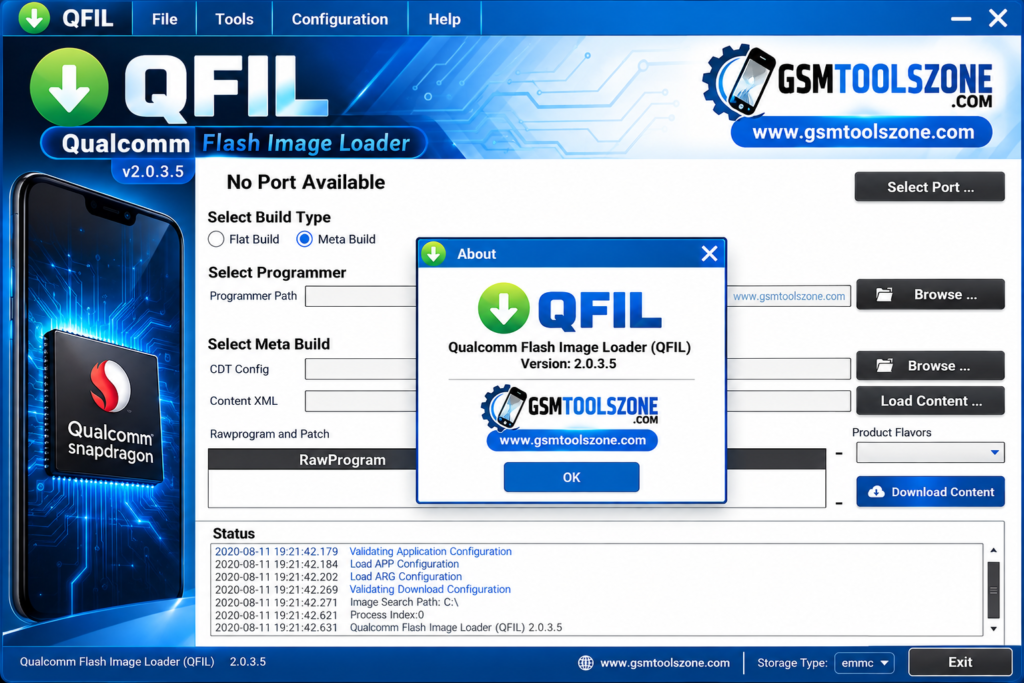
What is QFIL Tool v2.0.3.5?
QFIL Tool v2.0.3.5, known as Qualcomm Flash Image Loader, is a Windows-based tool for flashing stock firmware. It supports Qualcomm devices. This tool helps users fix problems it offers FRP bypass, flashing firmware, installing stock or custom ROMs, and other software updates. It supports Android brands, including Xiaomi, Huawei, Oppo, and Vivo models and tablets.
Features
Stock Firmware Flashing:
QFIL Tool v2.0.3.5helps install stock firmware on supported Qualcomm devices. It is useful when you need to reinstall the original software or fix firmware-related problems.
EDL Mode Support:
The tool works with compatible devices in Emergency Download (EDL) mode. This mode allows firmware flashing when the normal Android system is not working.
Device Recovery:
QFIL can help recover some devices affected by failed updates, boot loops, or software errors. The results depend on the device model and the type of problem.
Qualcomm Device Support:
The tool is designed for devices powered by Qualcomm chipsets. It supports compatible smartphones, tablets, and other devices from different manufacturers.
Flashing Logs:
QFIL displays logs during the flashing process. These messages help users check the progress and understand errors that may occur.
Flat Build and Meta Build Support:
The tool provides different build options for supported firmware packages. Users can select the appropriate mode according to their device and firmware files.
QCN Backup and Restore:
With compatible devices and supported setups, QFIL-related tools can help back up or restore QCN data. A valid backup is important when restoring device configuration information.
Simple User Interface:
QFIL has a straightforward interface with options for selecting firmware files, connecting a device, and starting the flashing process. This makes it easier for users and mobile technicians to manage firmware tasks.
Pros and Cons
Pros
- Free to use.
- Supports compatible Qualcomm devices.
- Helps flash stock firmware.
- Can recover some software-related device problems.
- Supports EDL mode on compatible devices.
- Shows logs during the flashing process.
Cons
- Works only with supported Qualcomm devices.
- Requires the correct firmware files.
- The flashing process can be difficult for beginners.
- Incorrect firmware may damage the device software.
- Some devices require specific drivers and loader files.
- Not every bricked device can be recovered.
System Requirements
| Requirements | Details |
|---|---|
| Operating System | Windows 7, 8, 10, or 11 |
| Processor | Intel or AMD Processor |
| RAM | 4 GB or more |
| Storage | At least 1 GB of free space |
| USB Connection | Required |
| USB Drivers | Compatible Qualcomm USB drivers |
How to download QFIL Tool v2.0.3.5?
- Visit the official website to find the QFIL Tool v2.0.3.5 download.
- Download the compatible version to your computer.
- Extract the ZIP file if required.
- Open the QFIL application on your Windows PC.
- Install the required Qualcomm USB drivers.
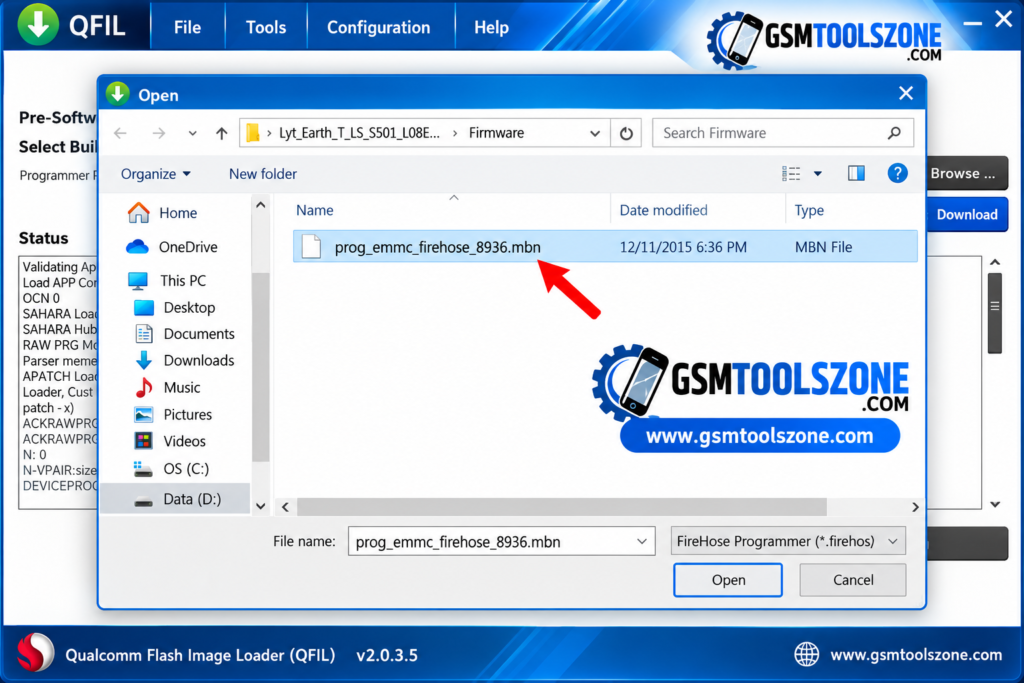
- Download the correct firmware files for your device.
Setup Download Information
- File Version: v2.0.3.5
- File Size: 6.06 MB
- File Password: gsmtoolszone.com
- Download Link👇
Conclusion
QFIL Tool v2.0.3.5 is a useful Windows-based software for flashing firmware on supported Qualcomm devices. It helps users install stock firmware and fix certain software problems, such as boot issues and failed updates. It has a simple interface no need to install a tool just click File and run flashing.
FAQs
Is QFIL Tool free to use?
Yes, QFIL is generally available as a free utility within the Qualcomm software tools package.
Can QFIL Tool fix a bricked phone?
QFIL can recover some phones affected by software problems, but recovery depends on the device and the type of damage.
Can QFIL Tool flash any Android phone?
No, QFIL is designed for supported Qualcomm devices. It does not work with every Android phone.
Is QFIL Tool safe to use?
QFIL can be useful when used correctly. Always use the correct firmware for your device because incorrect files or flashing steps can cause serious software problems.






One Comment
Comments are closed.