
DRT Device Reset Tool Full Activated Version 2026
Many Oppo Qualcomm users face problems when their phone is locked by FRP, User Lock, Pattern Lock, PIN, or Password. DRT Device Reset Tool offers a practical solution for supported Oppo Qualcomm smartphones. DRT Device Reset Tool is a Windows-based Android servicing tool. It is especially designed for compatible Oppo Qualcomm devices. It helps technicians perform tasks such as FRP removal, User Lock removal, Pattern Lock reset, factory reset, and device reset.
Also Use: Moto FRP Tool Free Download for Windows Latest Version [2026]
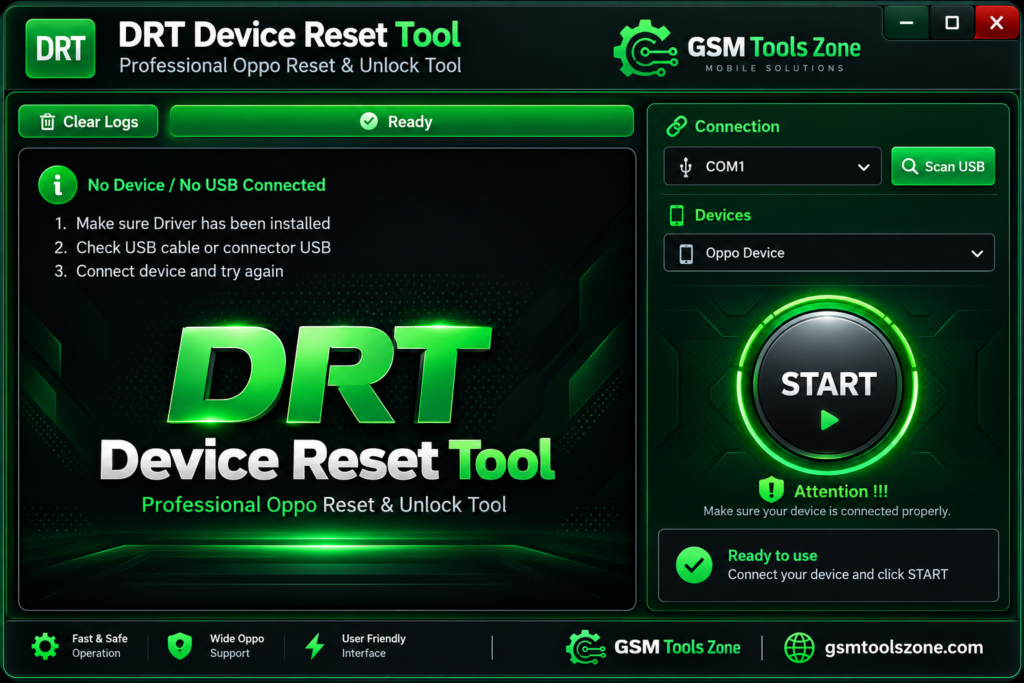
What is the DRT Device Reset Tool?
DRT Device Reset Tool is a Windows-based Android servicing tool. It supports Oppo Qualcomm smartphones. It lets technicians connect compatible devices to a computer and perform various software servicing tasks through a simple interface. DRT Device Reset Tool is especially useful for mobile technicians who need a straightforward Windows utility to address supported Oppo Qualcomm software and lock-related issues.
Features
Free Windows Utility:
DRT Device Reset Tool can be used as a free Windows utility for compatible servicing tasks. It provides access to its available functions without requiring a complex setup or subscription.
Qualcomm Device Compatibility:
The tool is focused on Oppo smartphones with Qualcomm chipsets. Its available operations depend on the supported model and device configuration.
EDL Communication:
DRT Device Reset Tool includes EDL Mode functionality for compatible Qualcomm devices. This helps establish communication between the smartphone and Windows PC during supported servicing operations.
Lock Servicing:
The utility provides options for dealing with different device-lock situations, including FRP, User Lock, Pattern, PIN, and Password on supported models.
Device Reset Function:
DRT can be used to reset compatible Oppo Qualcomm smartphones when a software reset is required. This function can help return the device to a clean setup state.
Device Model Options:
Users can work with the appropriate supported device option before beginning a servicing operation. Selecting the correct model helps ensure that the selected function matches the connected smartphone.
Centralized Servicing Interface:
The tool brings its supported operations into one Windows application. This makes it easier for technicians to locate the required servicing option instead of working through multiple separate utilities.
Technician-Friendly Workflow:
DRT Device Reset Tool is designed with a straightforward workflow for supported Oppo Qualcomm devices. Its simple layout can help technicians move through the available servicing steps with less confusion.
Pros and Cons
Pros
- Free to use
- Supports selected Oppo Qualcomm devices
- Includes EDL Mode support
- Provides multiple device servicing options
- Simple and easy-to-use interface
- Works on Windows computers
- Useful for mobile technicians
Cons
- Support is limited to compatible Oppo Qualcomm models
- Device compatibility should be checked before use
- Requires a Windows PC
- Some operations may require the phone to enter EDL Mode
- Incorrect servicing procedures can cause software-related issues
System Requirements
| Requirements | Details |
|---|---|
| Operating System | Windows 7, 8, 10, or 11 |
| Processor | Intel or AMD Processor |
| RAM | 4 GB or more |
| Storage | At least 1 GB of free space |
| USB Port | Required for connecting the Oppo device |
How to download DRT Device Reset Tools?
- Download the DRT Device Reset Tools setup file from the official website.
- If the file is compressed, extract the downloaded ZIP/RAR file to a new folder.
- Open the extracted folder and run the DRT Device Reset Tools setup or executable file.
- Follow the installation instructions and wait for the setup to finish.
- Launch DRT Device Reset Tools from your desktop or installation folder.
- Install the required Android USB drivers if your device is not detected.
- Connect your Android smartphone to the computer using a suitable USB cable.
- Select the required servicing function and follow the instructions shown by the tool.
Setup Download Information
- File Version: Latest 2026
- File Size: 6.99 MB
- File Password: gsmtoolszone.com
- Download Link👇
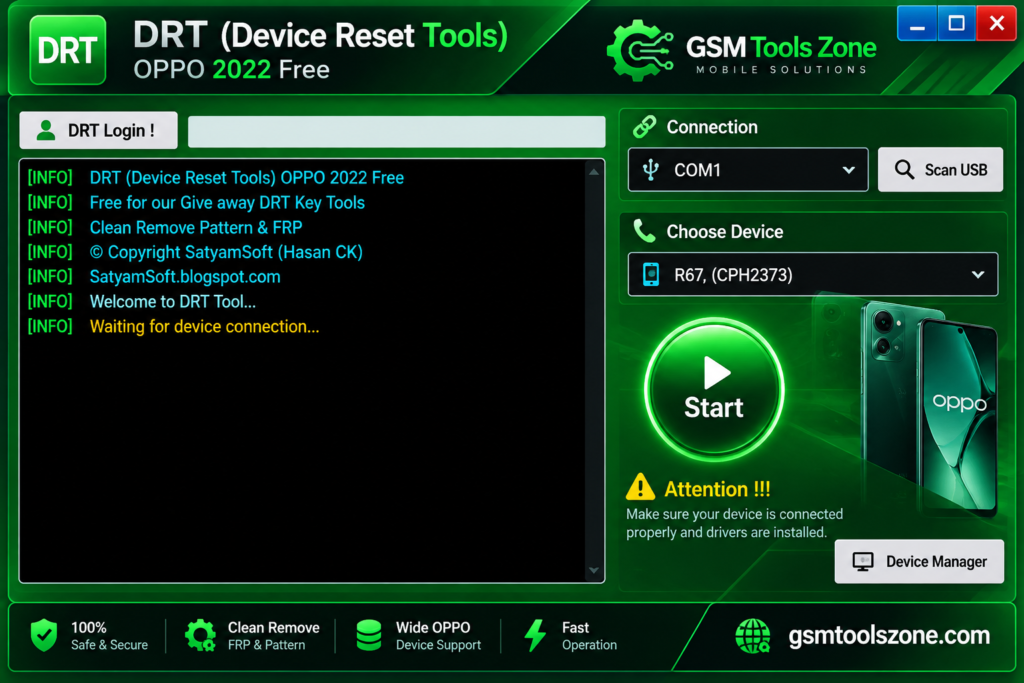
Conclusion
DRT Device Reset Tool is a useful option for technicians working with Oppo Qualcomm smartphones. Its Windows-based setup keeps the servicing process easy to understand, while the supported functions can help with different software and access-related situations. If your device is supported, you can download DRT Device Reset Tool and use it to solve the problem with just one click.
FAQs
Is DRT Device Reset Tool free?
Yes, DRT Device Reset Tool is available as a free utility for supported devices.
Does DRT Tool support EDL Mode?
Yes, the tool provides EDL Mode support for compatible Oppo Qualcomm devices.
Can DRT Tool remove FRP?
Yes, it provides FRP servicing options for supported Oppo Qualcomm devices.
Is DRT Tool safe to use?
Use the tool only with supported devices and follow the correct servicing procedure. Always check compatibility before performing any operation.

One Comment
Comments are closed.