
iRemove Tool – Easy Setup Download & iCloud Bypass 2026
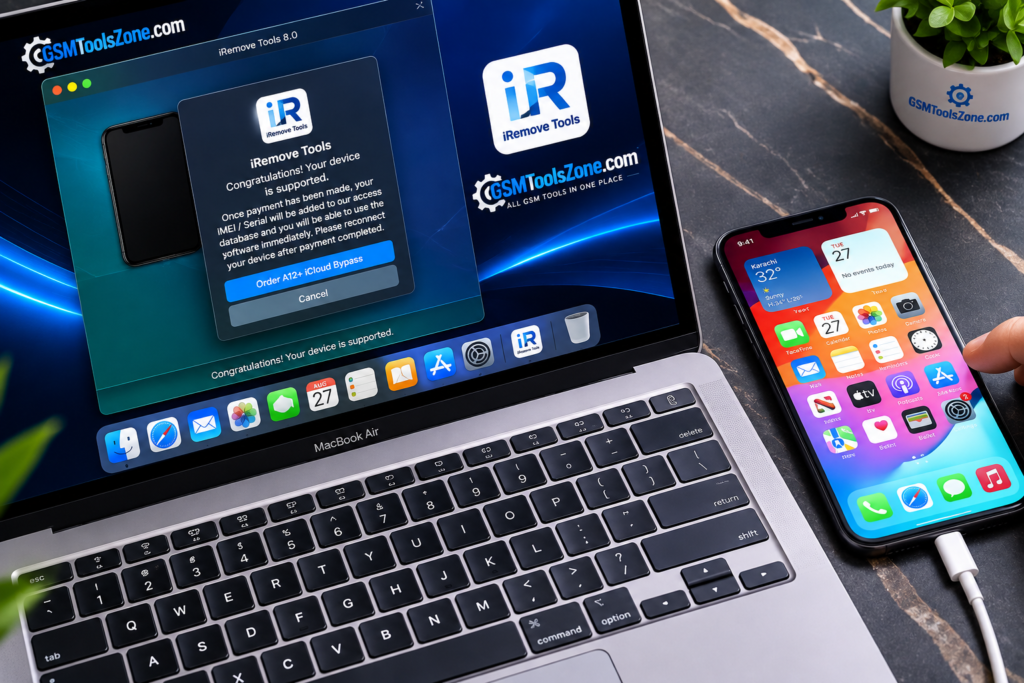
Many iPhone and iPad users face software problems, including device detection errors, connection issues, system service problems, and other troubleshooting issues. iRemove Tool is a third-party tool. It helps technicians and advanced users work with supported Apple devices through a simple interface. The tool provides a straightforward way to connect compatible iPhone and iPad devices to a computer.
Also Use: DRT Device Reset Tool Full Activated Version 2026
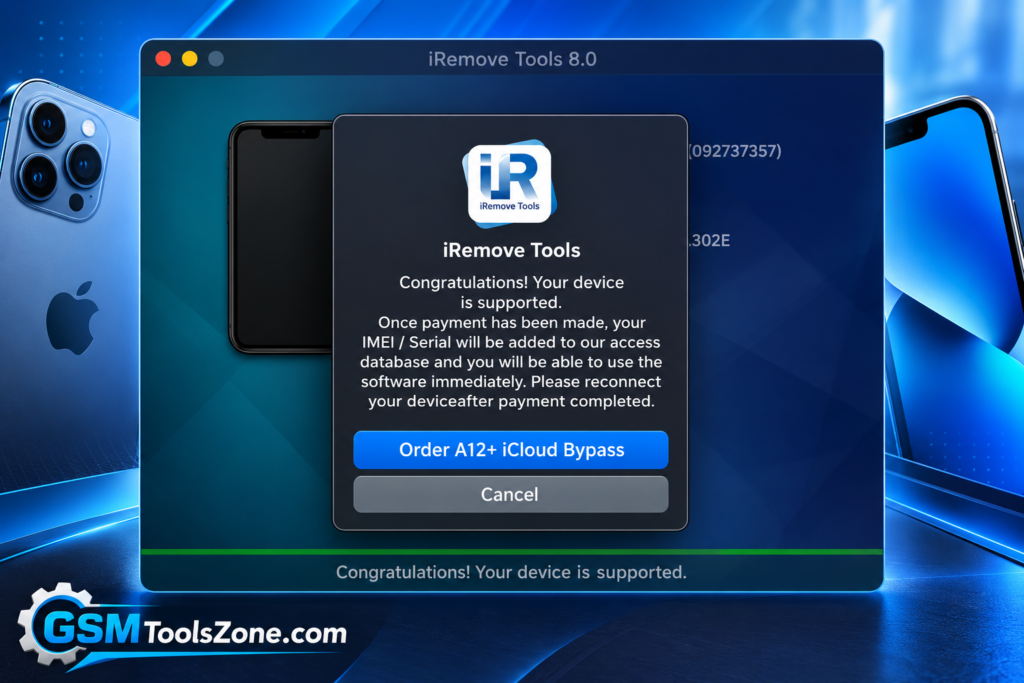
What is the iRemove Tool?
iRemove Tool is a third-party tool. It is designed for servicing and troubleshooting supported Apple devices, including iPhone and iPad. iRemove Tool features, supported Apple devices, system requirements, installation process, device connection, common issues, and basic troubleshooting steps.
Features
Simple User Interface:
iRemove Tool provides a straightforward interface that makes it easier to find and use the available options. Users can work through the required functions without dealing with a complicated layout.
Device Compatibility Checking:
The tool can help users work with supported Apple devices based on the available version. Compatibility may differ between iPhone and iPad models, so checking the tool requirements before starting is important.
iPhone and iPad Servicing:
Depending on the release, iRemove Tool may provide different options for working with supported iPhone and iPad devices. The available functions can change with newer versions and different device generations.
Software Version Support:
Different releases of iRemove Tool may support specific versions of iOS and iPadOS. This allows users to select a suitable tool version according to their device software.
Connection Assistance:
The utility is designed to work with an Apple device connected to a computer. A proper USB connection and compatible setup are important for smooth communication between the device and software.
Multiple Device Options:
The tool can be useful for technicians who work with different supported Apple devices. Its available options may vary depending on the connected device and the installed tool version.
Troubleshooting Support:
iRemove Tool can be useful when working through certain supported device-related problems. Checking compatibility, connection settings, and software requirements can help users avoid common errors.
Version-Based Features:
The features of iRemove Tool are not necessarily the same in every release. New versions may change, add, or remove certain functions, so users should always check the details of the specific version they are using.
Pros and Cons
Pros
- Simple and easy-to-use interface
- Supports selected iPhone and iPad models
- Useful for Apple device servicing
- Works with USB device connections
- Different versions may support different iOS and iPadOS releases
- Helpful for technicians and advanced users
- Provides various options depending on device compatibility
Cons
- Features can vary between versions
- Not every iPhone or iPad model may be supported
- Requires a proper USB connection
- Compatibility may depend on the iOS or iPadOS version
- Some functions may require specific device conditions
- Users should verify the software source before installation
System Requirements
| Requirements | Details |
|---|---|
| Operating System | Windows 7, 8, 10, or 11 |
| Processor | Intel or AMD Processor |
| RAM | 4 GB or more |
| Storage | At least 1 GB of free space |
| USB Port | Required for connecting Apple devices |
How to download the iRemove Tool?
- Visit the official website to download the iRemove Tool.
- Check the available version and tool details.
- Click the Download button.
- Wait for the download to complete.
- Extract the downloaded ZIP or RAR file using a suitable file extractor.
- Open the extracted folder and run the tool on your Windows computer.
- Install the required MediaTek USB drivers if the tool doesn’t detect your device.
- Connect your supported MediaTek device and follow the tool’s instructions.
Setup Download Information
- File Version: 8.0
- File Size: 139.40 MB
- File Password: gsmtoolszone.com
- Download Link👇
Conclusion
iRemove Tool is useful for users and technicians working with supported Apple devices. Its available functions depend on the tool version, device model, and iOS or iPadOS version, so they should be checked before using it. For a good experience, make sure the required drivers are installed, use a reliable USB connection, and follow the instructions for the specific version of the tool.
FAQs
Which devices can iRemove Tool support?
It may support selected iPhone and iPad models. Support depends on the tool version and device software.
Does iRemove Tool support iOS and iPadOS?
Yes, but supported versions can vary depending on the tool release and Apple device model.
Is iRemove Tool easy to use?
The tool is designed with a simple interface, but users should understand the required device connection and compatibility before using it.
One Comment
Comments are closed.