
OST Tool v6.3.7 Setup Download 100% Working
Many Nokia users face problems such as a phone stuck on the logo, repeated restarts, software errors, or a device that does not boot normally. OST Tool v6.3.7 provides a practical solution for Nokia devices by helping users reinstall software and recover phones affected by common software problems. OST Tool offers firmware flashing, custom ROM installation, screen unlock, software updates, FRP removal, and bootloop fixes.
Also Use: CMD Tool v3.01 Full Activated Version 2026
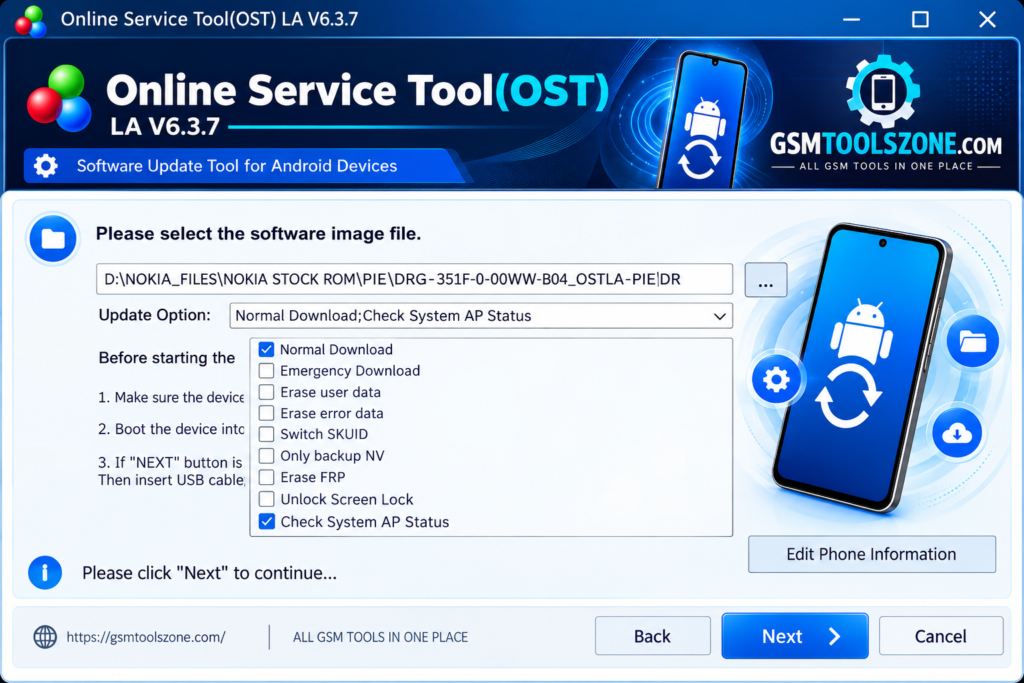
What is OST Tool v6.3.7?
OST Tool v6.3.7 is a Windows-based Nokia servicing utility used for firmware flashing and software repair. It is especially designed for supported Nokia Android smartphones. This tool installs firmware and restores the original software on supported Nokia models. It is useful for mobile technicians and users who need a simple way to perform software-related problem-solving.
Features
Nokia Firmware Flashing:
OST Tool can install compatible firmware on supported Nokia Android phones. Firmware flashing can help restore the device when the existing software is damaged or not working correctly.
.nb0 and .mlf File Support:
The tool can work with supported .nb0 and .mlf firmware files. This gives technicians more options when working with different Nokia firmware packages.
Stock Firmware Installation:
OST Tool can reinstall the original stock firmware on compatible Nokia devices. This can help restore the factory software after certain software errors or failed updates.
Windows Support:
OST Tool is designed to run on a Windows PC or laptop. Users can connect a supported Nokia phone to the computer and perform the available servicing tasks.
Simple User Interface:
The tool provides a straightforward interface with easy-to-find options. This makes basic firmware flashing and software repair tasks easier to follow.
Nokia Device Recovery:
OST Tool can help recover supported Nokia phones affected by software problems, bootloop issues, or failed firmware installation by reinstalling compatible software.
Firmware Upgrade:
The tool can be used to install a newer compatible firmware version on supported Nokia devices. This can help restore or update the phone’s software when the correct firmware is available.
Supported Service Modes:
Depending on the Nokia model, firmware package, and OST Tool version, the software may work with supported service modes such as Fastboot Mode, Download Mode, Qualcomm EDL 9008, and MediaTek DA VCOM.
Pros and Cons
Pros
- Easy to use on a Windows PC.
- Supports compatible Nokia Android devices.
- Can flash supported stock firmware.
- Supports .nb0 and .mlf firmware files.
- Can help fix some software and bootloop problems.
- Useful for firmware upgrades and device recovery.
- Simple interface for basic flashing tasks.
Cons
- Mainly focused on supported Nokia devices.
- Requires the correct firmware for the device model.
- Some features may depend on the Nokia model and firmware.
- A Windows PC or laptop is required.
- Incorrect firmware flashing can cause software problems.
System Requirements
| Requirements | Details |
|---|---|
| Operating System | Windows 7, 8, 10, or 11 |
| Processor | Intel or AMD processor |
| RAM | 4 GB or more |
| Storage | At least 1 GB of free space |
| USB Port: | Required for connecting the Nokia device |
How to download OST Tool v6.3.7?
- Visit the official website.
- Click on the Download button to start the download.
- Wait for the download to complete.
- Extract the downloaded ZIP file if it is compressed.
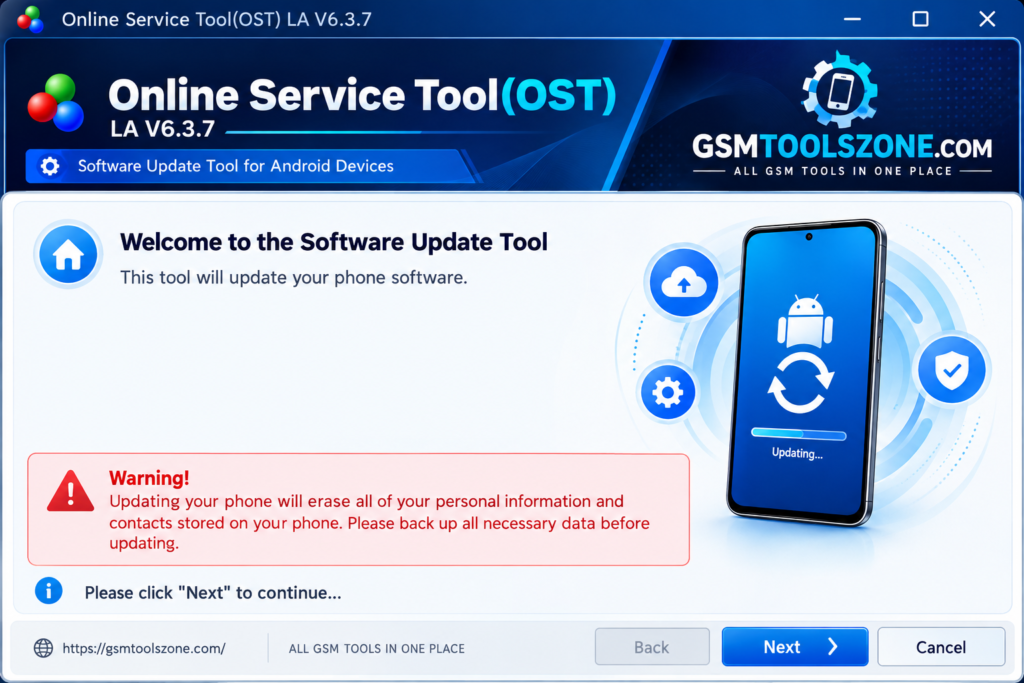
- Open the extracted folder and run the OST Tool v6.3.7.
- Install the required USB drivers if your device is not detected.
Setup Download Information
- File Version: v6.3.7
- File Size: 126.76 MB
- Download Link👇
Conclusion
OST Tool v6.3.7 is a useful choice for Nokia users and mobile technicians who need a practical way to handle device software problems. Its Windows-based workflow keeps the servicing process easy to understand, while support for different Nokia service modes gives technicians more flexibility. Before starting any repair, always check the exact Nokia model, compatible firmware, required drivers, and OST Tool v6.3.7 version.
FAQs
Which devices does OST Tool support?
OST Tool is mainly designed for supported Nokia Android phones. Support can vary by model and tool version.
Can OST Tool flash Nokia firmware?
Yes, OST Tool can flash compatible firmware on supported Nokia devices.
Is OST Tool easy to use?
The tool has a simple interface, but basic knowledge of firmware flashing and device drivers is recommended.

One Comment
Comments are closed.