TPS Tool V3.1 Setup Download 100% Working
Android users and mobile technicians face many problems with MediaTek and Qualcomm devices. TPS Tool v3.1 solves problems like screen locks, FRP restrictions, firmware, and bootloader issues. This tool supports MediaTek and Qualcomm devicices work with ADB. It has a simple interface. Whether you are a beginner or a professional, this tool is useful for you.
Also Use: EFT Pro Dongle V5.5.3 Full Activated Version 2026
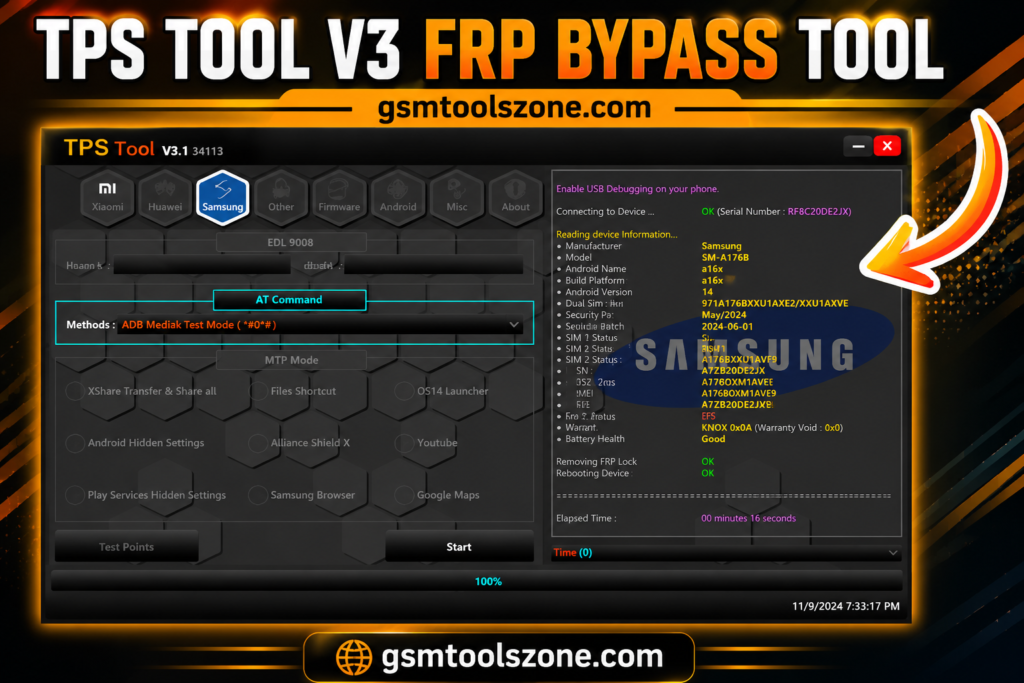
What is TPS Tool v3.1?
TPS Tool 3.1 is window base android rapairng software. This tool provides a simple interface for users and mobile technicians to solve problems like firmware flashing, FRP removal, and screen lock. It supports different mobile brands like Samsung, Xiaomi, Vivo, Oppo, Realme, Infinix, Tecno, Huawei, and more.
Features
FRP Removal:
Helps remove Factory Reset Protection (FRP) on supported Android devices using available service modes.
Screen Lock:
Provides screen lock service options for supported Android smartphones.
Factory Reset:
Allows technicians to perform a factory reset and wipe device data when required.
Bootloader Support:
Provides bootloader-related options for supported Android devices during repair and servicing.
ADB & Fastboot:
Supports ADB and Fastboot modes for connecting and servicing compatible Android devices.
Firmware Flashing:
Helps flash firmware on supported devices to fix software-related problems and restore the device’s system.
Driver Support:
Works with required Android, Qualcomm, MediaTek, and SPD drivers for proper device connection.
Device Information:
Can read useful device details such as the model, Android version, chipset, and IMEI on supported phones.
Easy-to-Use Interface:
TPS Tool v3.1 has a simple interface that makes it easier for both beginners and mobile technicians to find its available functions.
Multi-Brand Support:
There are many brands supported with this tool, not only a single brand support, but it supports multiple brands like Xiaomi, Samsung, Oppo, and Tecno.
Pros and Cons
Pros:
- Easy and simple interface
- Supports MediaTek and Qualcomm devices
- Includes multiple repair functions
- Supports different Android brands
- Useful for mobile technicians
Cons:
- Some functions need technical knowledge
- Device support may vary by version
- Requires proper drivers for some operations
- Some advanced features may not work on every device
System Requirements
| Requirement | Details |
|---|---|
| Operating System | Windows 7, 8, 10, or 11 |
| Processor | Intel or AMD Dual-Core or higher |
| RAM | 4 GB or more |
| Storage | At least 500 MB free space |
How to download the TPS Tool V3.1?
- Download the TPS Tool v3.1 setup file from the official website.
- If the file is compressed, extract the downloaded ZIP/RAR file to a new folder.
- Open the extracted folder and run the TPS Tool v3.1 setup or executable file.
- Follow the installation instructions and wait for the setup to finish.
- Launch TPS Tool v3.1 from your desktop or installation folder.
- Install the required Android USB drivers if your device is not detected.
- Connect your Android smartphone to the computer using a suitable USB cable.
- Select the required servicing function and follow the instructions shown by the tool.
Setup Download Information
- File Version: V3.1
- File Size: 189.47 MB
- 🗝File Password: gsmtoollab.com
- Download Link👇
Conclusion
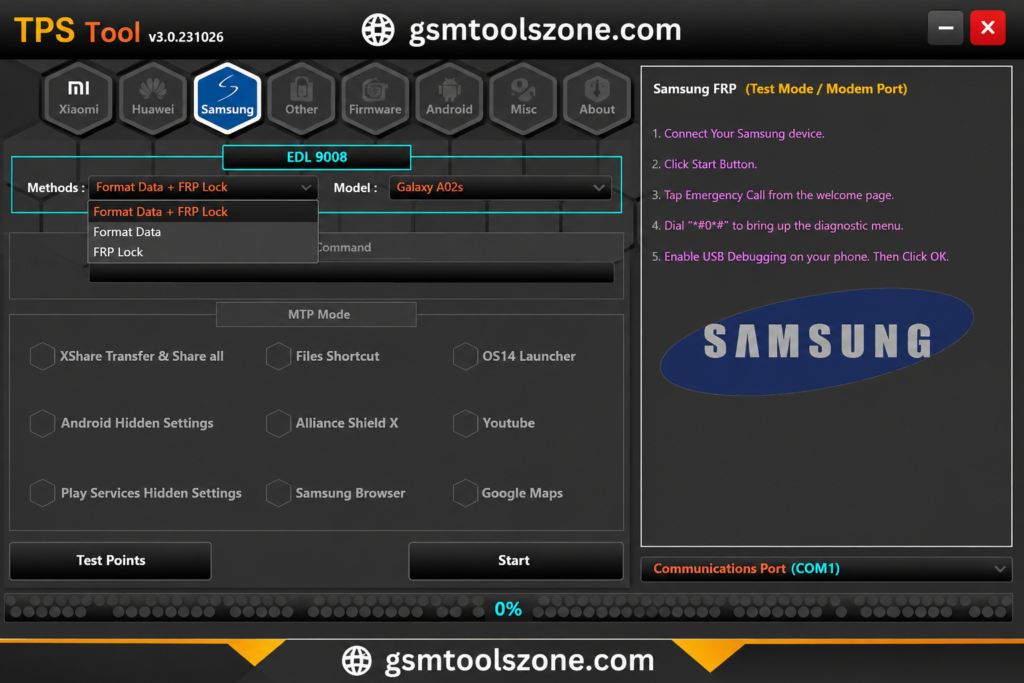
TPS Tool v3.1 is stateforword window base repairing software. TPS Tool v3.1 can be helpful every day for many problems. Its solve very easy problems like firmware flashing, screen lock removal, FRP, and software repair. It supports Qualcomm, MediaTek, SPD, and ADB chipsets. If you are a beginner or expert thy can use it very easily.
FAQs
Is TPS Tool easy to use?
Yes, TPS Tool has a simple interface that is easy to understand.
Is TPS Tool free to use?
The availability and licensing may depend on the version you are using.
Does TPS Tool require USB drivers?
Yes, the required drivers may be needed for proper device detection and connection.