Hunter Tool V4.6.5 Free Download Latest Version [2026]
Locked Android phones waste time. You need to fix FRP Lock, Pattern Lock, PIN, User Lock, IMEI, or Network Lock issues on different Android brands. Using multiple tools for MediaTek (MTK) and Qualcomm devices can make mobile servicing even harder. Hunter Tool v4.6.5 provides a simple Windows-based solution for supported Android devices. Hunter Tool v4.6.5 supports many Android brands like OPPO, Vivo, Xiaomi, Samsung, and Huawei. It offers useful functions such as FRP removal, Pattern/PIN/Password unlock, User Lock removal, IMEI repair, Network Unlock, and other Android servicing tasks.
Also Use: Griffin Unlocker Tool V2026.07.10 Download Latest Version [2026]
What is Hunter Tool?
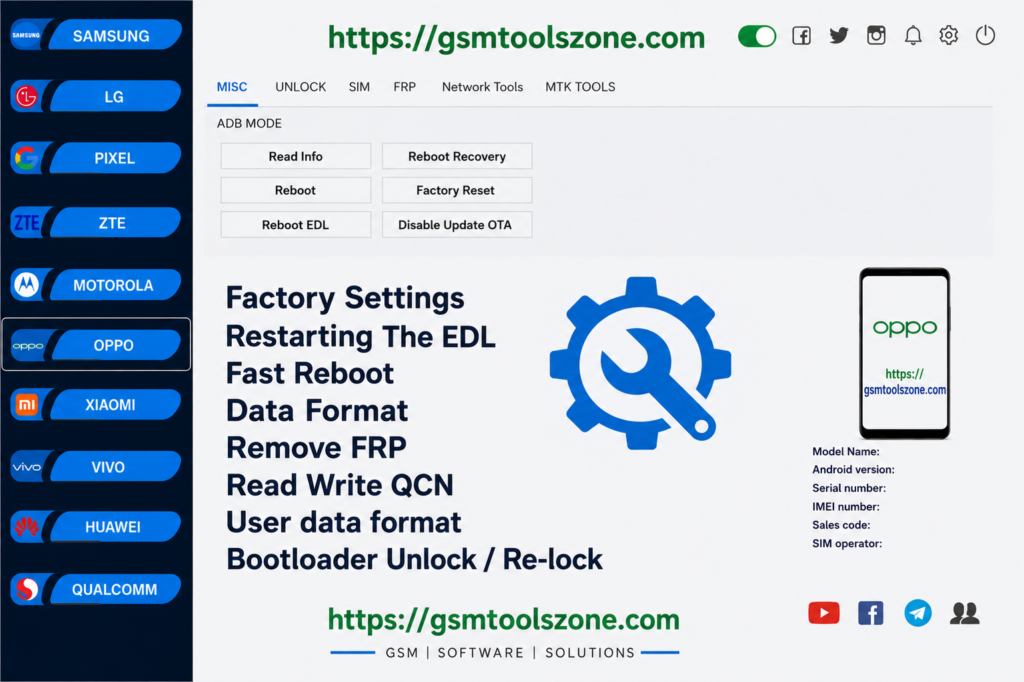
Hunter Tool v4.6.5 is a professional Windows-based Android servicing tool. It is especially designed for mobile technicians. It supports selected MediaTek (MTK) and Qualcomm smartphones and provides different repair functions from one place. Hunter Tool offers firmware flashing, FRP Lock removal, Pattern/PIN/Password unlock, User Lock removal, Factory Reset, bootloader management, device information, IMEI repair, and SIM/Network Unlock.
Features
User Lock Removal
Remove supported Pattern Lock, PIN, Password, and User Lock from compatible Android devices using MTK and Qualcomm support.
Factory Reset
Perform a factory reset on supported devices to remove user data and restore the phone to its default settings.
FRP Removal for MTK
Remove Google Factory Reset Protection (FRP) from supported MediaTek (MTK) devices to help with device setup after a reset.
FRP Removal for Qualcomm
Service supported Qualcomm devices through EDL (Emergency Download Mode) for available FRP-related operations.
Samsung FRP Support
Provides dedicated functions for supported Samsung devices to handle FRP and Google account verification issues.
Bootloader Management
Unlock or relock the Android bootloader on compatible devices when required for firmware flashing and software servicing.
NV Data Backup & Restore
Backup and restore NV data on supported devices. This can help technicians manage certain network and device configuration issues.
IMEI Repair
Provides IMEI repair functions for supported Android devices to help resolve certain network and communication problems.
Firmware Flashing
Flash compatible stock firmware to repair software errors, boot loops, crashes, update problems, and other supported firmware issues.
Pros and Cons
Pros
- Supports MediaTek (MTK) and Qualcomm devices.
- Works with multiple Android brands.
- Includes FRP and screen lock servicing functions.
- Supports firmware flashing and factory reset.
- Provides IMEI and NV data-related functions.
- Useful for mobile technicians and repair shops.
- Simple Windows-based interface.
Cons
- Some functions work only on supported models.
- Certain operations may require specific device modes such as EDL.
- Correct drivers may be needed for device connection.
- Advanced functions may require basic mobile servicing knowledge.
- Results can vary depending on the device model and security version.
System Requirements
| System Requirement | Details |
| Operating System | Windows 7, 8, 10, or 11 |
| RAM | 4 GB or higher |
| Processor | Intel or AMD processor |
| Storage | At least 1 GB of free space |
| USB Port | Required for connecting Android devices |
How to download Hunter Tool v4.6.5?
- Download the Hunter Tool v4.6.5 ZIP file from the official website.
- Extract the downloaded file.
- Open the extracted folder and run the setup.
- After installation, open Hunter Tool v4.6.5.
- Connect your Android phone with a USB cable.
- You are now ready to use the tool.
Setup Download Information
- File Version: V4.6.5
- File Size: 104.02 MB
- Download Link👇
Conclusion
Hunter Tool v4.6.5 is a helpful choice for users and mobile technicians who want a straightforward Windows-based solution for Android servicing. Its support for different device platforms is useful for handling various repair tasks from a single workspace. Hunter Tool is user friendly Whether you are a beginner or an expert. Before using the Hunter Tool, make sure the mobile phone is supported and the required drivers are installed.
FAQ’s
Is Hunter Tool V4.6.5 suitable for beginners?
The basic functions are easy to understand, but some advanced operations require basic Android servicing knowledge.
Does Hunter Tool V4.6.5 support Qualcomm devices?
Yes, it provides servicing support for compatible Qualcomm devices.
Which devices does Hunter Tool V4.6.5 support?
It supports selected Android devices from brands such as OPPO, Vivo, Xiaomi, Samsung, and Huawei.