
CMD Tool v3.01 Full Activated Version 2026
Android technicians and users face problems they need to handle, such as FRP, flashing, firmware, diagnostics, or other Android servicing tasks. CMD Tool v3.01 supports different Android servicing operations through modules such as ADB & Fastboot, MTK, SPD, and Qualcomm. It can also help with supported FRP tasks, device diagnostics, firmware-related work, APK installation, backups, utilities, drivers, and downloads. This tool includes an ARB Guard section and provides access to multiple functions from a single dashboard.
Also Use: IML Tool Pro Free Download for Windows Latest Version [2026]
What is CMD Tool v3.01?
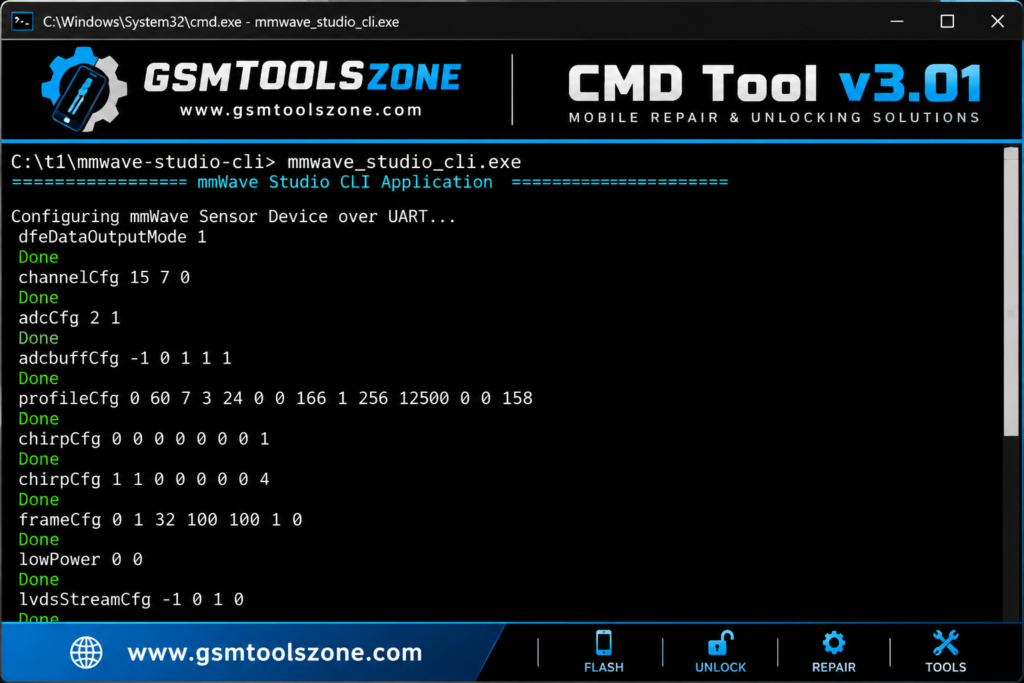
CMD Tool v3.01 is a Windows-based Android servicing and repair tool that helps users manage supported Android devices from one place. It provides useful options for connecting devices, checking software issues, handling firmware tasks, and performing different maintenance operations. CMD Tool v3.01 supports ADB and Fastboot connections and includes options for MTK, SPD, and Qualcomm devices. CMD Tool supports popular Android brands, including Samsung, Xiaomi, Lenovo, Micromax, and HTC.
Features
ADB & Fastboot Support:
CMD Tool v3.01 supports ADB and Fastboot modes for connecting supported Android phones to a Windows PC. Users can check the connected device before starting a servicing operation.
Device Management:
The device management section provides useful options for checking and managing a connected Android phone. It also includes access to drivers and other device-related service functions.
MI Flash & Firmware Support:
The MI Flash section is designed for supported Xiaomi devices. Users can select compatible firmware files and access flashing-related options according to the device and firmware requirements.
MTK, Qualcomm & UNISOC Support:
CMD Tool provides separate servicing options for MediaTek (MTK), Qualcomm, and UNISOC (SPD) devices. This makes it easier to find the required functions based on the phone’s chipset.
Utility Tools:
The utility section includes helpful functions such as APK installation, bloatware cleanup, device diagnosis, and ROM checking. These options can assist with common Android maintenance tasks.
FRP & Android Servicing:
CMD Tool v3.01 provides selected FRP and device servicing functions for supported Android phones. Compatibility can vary depending on the brand, model, chipset, Android version, and security level.
Mi Cloud Functions:
For supported Xiaomi devices, CMD Tool includes selected Mi Cloud-related options. Available functions may differ according to the device model and software version.
ARB Guard:
The tool includes an ARB Guard section for supported firmware servicing workflows. This can be useful when working with firmware where anti-rollback protection needs to be considered.
Activity Logs:
CMD Tool provides an Activity Log that shows operation details while a task is running. Logs can help users review commands and understand errors when a servicing process does not complete successfully.
Multi-Brand Support:
CMD Tool supports servicing functions for selected Android brands, including Samsung, Xiaomi, Lenovo, Micromax, HTC, and other supported devices. Actual features depend on the specific device and software version.
Pros and Cons
Pros
- Supports ADB and Fastboot modes.
- Includes MTK, Qualcomm, and UNISOC support.
- Provides useful firmware and flashing options.
- Includes selected FRP servicing functions.
- Offers APK installation and device utility tools.
- Has MI Flash options for supported Xiaomi devices.
- Includes ARB Guard for supported workflows.
- Activity logs help check service operations.
Cons
- Some features work only with supported devices.
- FRP functions may vary by model and Android version.
- Flashing requires the correct firmware files.
- Some advanced functions may need technical knowledge.
- Device compatibility can change with security updates.
System Requirements
| Requirements | Details |
|---|---|
| Operating System | Windows 7, 8, 10, or 11 |
| Processor | Intel or AMD processor |
| RAM | 4 GB or more |
| Storage | At least 1 GB of free space |
| USB Port: | Working USB port for device connection |
How to download CMD Tool v3.01?
- Visit the official website.
- Click on the Download button to start the download.
- Wait for the download to complete.
- Extract the downloaded ZIP file if it is compressed.
- Open the extracted folder and run the CMD Tool v3.01.
- Install the required USB drivers if your device is not detected.
Conclusion
CMD Tool v3.10 is a Windows-based Android servicing tool that combines device management, ADB, Fastboot, MTK, Qualcomm, UNISOC, firmware, diagnostics, FRP, and utility functions in one application. It can help technicians handle supported Android devices more easily, while available features depend on the device model and software version.
FAQs
Can CMD Tool install APK files?
Yes, the utility section includes an APK installation option for supported Android devices.
Can CMD Tool be used for firmware flashing?
Yes, CMD Tool provides firmware and flashing-related options for supported devices, including Xiaomi devices through its MI Flash section.
Does CMD Tool require USB drivers?
Yes, the required Android USB drivers should be installed so the computer can properly detect the connected device.
Is CMD Tool suitable for beginners?
Some basic functions are easy to use, but advanced Android servicing and flashing tasks may require technical knowledge.

One Comment
Comments are closed.