EFT Pro Dongle V5.5.3 Full Activated Version 2026
Users and mobile technicians face problems when repairing devices from different brands and chipsets because a single tool may not support every device. This can make FRP, firmware, security, and other repair tasks more difficult. EFT Pro Dongle V5.5.3 offers a simple solution with wider device and chipset support. It supports more Apple A12/A13 devices and works better with MediaTek (MTK), Spreadtrum (SPD), Samsung, Qualcomm, and Rockchip devices. These updates help technicians handle various mobile repair tasks more easily using a single tool.
Also Use: MDM Fix Tool V1.1.0.0 Tool Download Latest Version [2026]
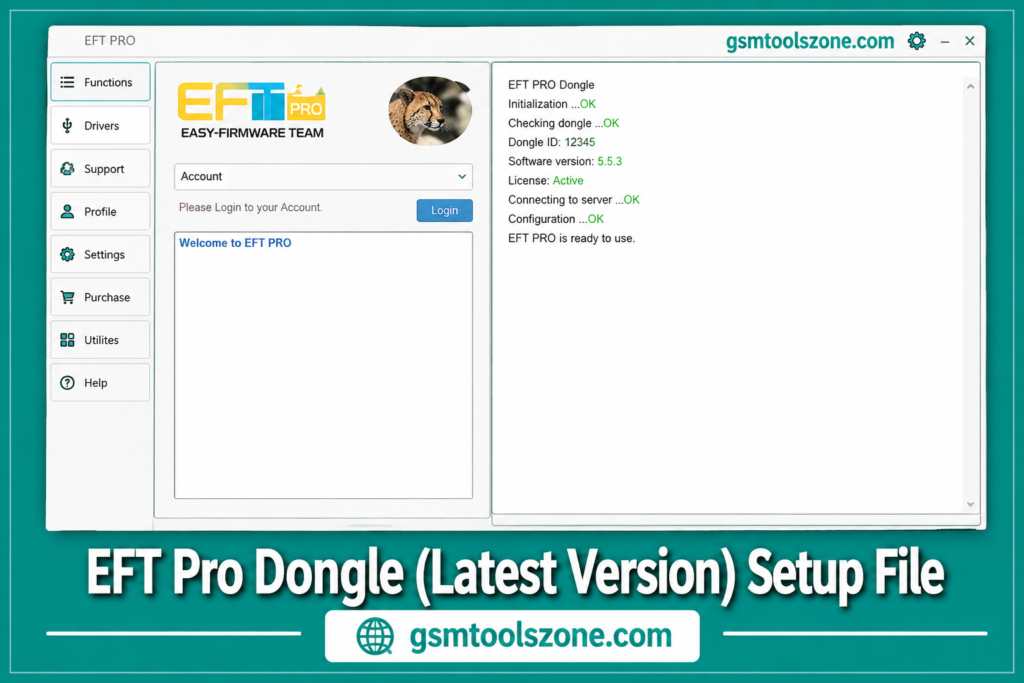
What is EFT Pro Dongle V5.5.3?
EFT Pro Dongle is a professional Windows-based mobile repair software. This tool is work multi platform, Android and iOS, and supports different devices including MediaTek, Qualcomm, SPD, Rockchip, Samsung Exynos, and Apple. It has a simple interface that helps users and mobile technicians perform different mobile functions in one place.
Features
Apple Support
Supports selected Apple A12 and A13 operations. It also includes additional servicing options for compatible Apple devices.
Apple Jailbreak Support
Provides jailbreak-related support for compatible A7 to A11 devices for supported servicing operations.
iCloud & FMI Support
Includes selected iCloud and Find My iPhone (FMI) servicing functions for compatible Apple devices.
Allwinner Support
Supports firmware read and write operations on compatible Allwinner devices. It also provides FRP and factory reset functions.
MTK BROM Support
Supports BootROM (BROM) mode operations on compatible MediaTek devices, with different connection methods depending on the device.
MTK Firmware Support
Allows technicians to work with supported firmware formats such as TAR, OFP, and UPDATE.APP.
MTK FRP Support
Provides FRP reset options for supported MediaTek smartphones from different brands.
MTK MDM Support
Includes selected MDM and device-management operations for supported MediaTek devices.
MTK META Mode
Supports META Mode operations such as reading device information and performing supported servicing functions.
SPD Firmware Support
Allows technicians to write PAC firmware on supported Spreadtrum (SPD) devices.
SPD Repair Support
Provides FRP reset, factory reset, and selected IMEI repair functions for compatible SPD devices.
Samsung Support
Includes Samsung servicing options such as FRP-related operations, ADB functions, and selected Exynos boot repair features.
Samsung MDM Support
Provides MDM-related servicing options for supported Samsung models.
Qualcomm Support
Supports automatic loader functions along with FRP and factory reset operations on compatible Qualcomm devices.
Rockchip Support
Provides firmware read and write functions along with FRP and factory reset options for supported Rockchip devices.
Multi-Brand Support
Works with supported devices from different brands and chipsets, allowing technicians to handle multiple repair tasks from one tool.
Simple Interface
The tool provides a straightforward interface that makes it easier to find and use different servicing functions.
System Requirements
| Requirement | Details |
|---|---|
| Operating System | Windows 7, Windows 8, Windows 10, or Windows 11 |
| Processor | Intel or AMD Dual-Core processor or higher |
| RAM | 4 GB or more |
| Storage | At least 500 MB free space |
| USB Port | Working USB port for device connection |
| USB Drivers | Required Android, MediaTek, Qualcomm, SPD, and other supported device drivers |
| Internet Connection | Required for login, updates, or online functions when supported |
| Dongle | EFT Pro Dongle must be properly connected to the computer |
How to download EFT Pro Dongle V5.5.3?
- Download the EFT Pro Dongle V5.5.3 setup file from the official website.
- If the downloaded file is in ZIP/RAR format, extract it to a new folder.
- Open the extracted folder and find the EFT Pro Dongle setup or executable file.
- Run the setup file and follow the on-screen instructions to complete the installation.
- After installation, open EFT Pro Dongle on your Windows computer.
- Connect the EFT Pro Dongle to your PC using a working USB port.
- Install the required USB drivers if the connected device is not detected.
- Once everything is ready, you can use the available EFT Pro Dongle servicing functions.
Setup File Download Information
- File Version: v5.5.3
- File Size: 86.27 MB
- Download Link👇
Conclusion
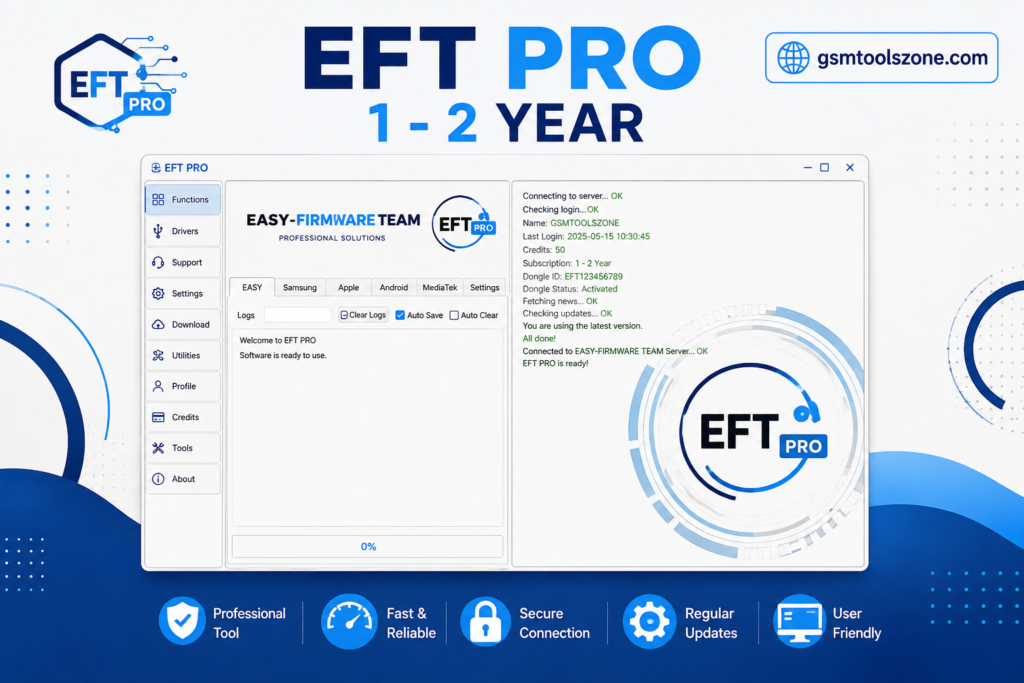
EFT Pro Dongle V5.5.3 is a Windows-based mobile repair software. EFT Pro Dongle is a useful choice for mobile technicians who need a practical solution for everyday smartphone servicing. Its support for different mobile platforms makes it suitable for working with a wide range of repair situations. A good choice for selecting the EFT Pro Dongle tool to solve these problems. It is beginner-friendly and easy to use.
FAQs
Can beginners use EFT Pro Dongle?
Beginners can use it, but basic knowledge of mobile servicing is recommended.
Is EFT Pro Dongle safe to install?
Download the software from a trusted source and scan the setup file before installation.
Can I update the EFT Pro Dongle?
Yes, newer releases can provide updated device support and additional functions.
Can one dongle work with different phones?
Yes, supported devices can be serviced using the same dongle.