
Extra Tool V1.4.5 Setup Download For Windows (Latest)
Android phones become difficult to use they are stuck on FRP lock, Google account verification, screen lock, or other software problems after a reset. Extra Tool V1.4.5 provides a simple solution for Android software and unlocking tasks. Extra Tool V1.4.5 supports devices with MediaTek and Qualcomm chipsets and works with popular brands such as Samsung, LG, Oppo, and other Android smartphones. This tool solves problems faster and more easily than other tools.
Also Use: HTH ND Android Tool V1.0.0 Download Latest Version [2026]
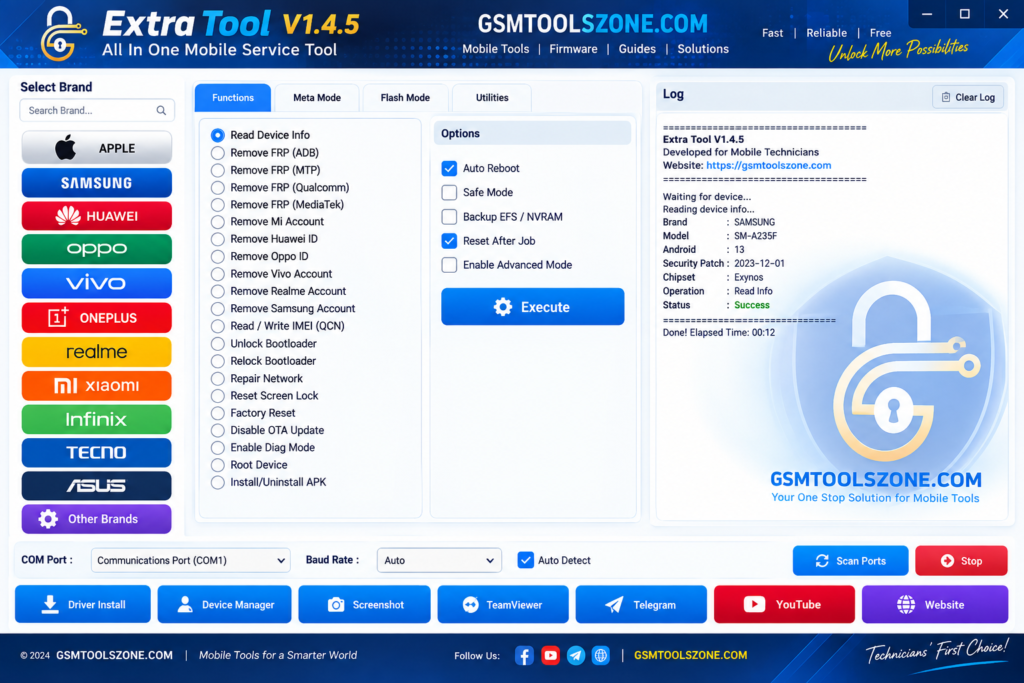
What is Extra Tool V1.4.5?
Extra Tool v1.4.5 is a free Windows-based Android servicing software. designed to help mobile technicians handle common software-related tasks on supported Android devices. It works with MediaTek and Qualcomm devices and supports several popular brands, including Samsung, Oppo, LG, and other Android smartphones. For the device and supported modes, Extra Tool can communicate through options such as USB, ADB, or other service modes.
Features
FRP & Google Verification Services:
Extra Tool supports FRP-related servicing on compatible Android devices. It can help technicians handle Google account verification issues that may appear after a factory reset.
MDM Servicing:
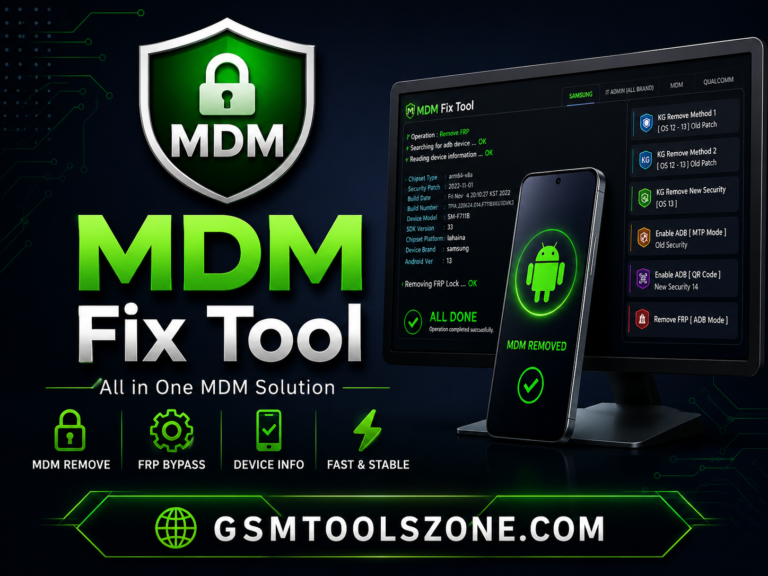
The tool provides MDM-related services for supported Android devices. It can help manage certain device restrictions caused by enterprise management.
Samsung Knox Guard Services:
Extra Tool includes Samsung Knox Guard and KG-related servicing for compatible Galaxy devices. Available functions depend on the model, firmware, security patch, and KG status.
Samsung Account Services:
The tool supports selected Samsung account-related servicing operations on compatible Galaxy smartphones when account verification affects device access.
Xiaomi Mi Account Services:
Extra Tool provides Mi Account-related servicing for supported Xiaomi and Redmi devices. Available options depend on the device model and software version.
OPPO ID Services:
The tool supports selected OPPO ID servicing functions on compatible OPPO smartphones. Support may vary between models and firmware versions.
PIN, Password & Pattern Services:
Extra Tool can provide screen-lock servicing for supported Android devices. It may support operations related to forgotten PINs, passwords, and patterns.
Network & SIM Services:
The tool includes network and SIM-related servicing options for supported smartphone models. These functions can help technicians troubleshoot certain connectivity and SIM problems.
IMEI & Network Repair:
Extra Tool supports selected IMEI and network servicing functions for compatible MediaTek and Qualcomm devices. These features can help diagnose network and SIM detection issues where legally permitted.
Firmware Flashing & Software Repair:
The tool can be used with supported devices for firmware and software servicing. It may help technicians resolve issues such as boot loops, software errors, corrupted system files, and other firmware-related problems.
Samsung Repair Services:
Extra Tool provides several Samsung-focused servicing options for compatible models, including CSC operations, EFS backup and restore, USB debugging functions, VoLTE settings, and network-related troubleshooting.
LG Device Servicing:
The tool supports selected LG Android devices and provides various servicing functions depending on the model, firmware, and available service mode.
MediaTek Device Support:
Extra Tool offers dedicated services for compatible MediaTek devices through supported modes such as BROM and Download Mode. It can also provide user data and security-related operations.
Qualcomm Device Support:
The tool supports selected Qualcomm-powered Android devices for software maintenance and repair. Available services can include EFS, security data, network troubleshooting, and other device operations.
Security Data Backup & Restore:
Extra Tool provides backup and restore options for supported security information and EFS data. This can be useful when preparing a compatible device for software repair or maintenance.
Bootloader & Userdata Management:
The tool supports selected bootloader and userdata operations on compatible Android devices. These functions can help technicians during software maintenance, testing, and device repair.
Pros and Cons
Pros
- Supports both MediaTek and Qualcomm devices.
- Works with several popular Android brands.
- Provides multiple FRP and software servicing options.
- Includes useful Samsung repair and servicing functions.
- Supports selected Xiaomi, OPPO, and LG devices.
- Provides IMEI, EFS, and network-related servicing options.
- Can help with firmware flashing and software repair.
- Offers backup and restore options for supported security data.
- Simple and useful for mobile repair technicians.
Cons
- Not every feature works on every Android device.
- Support can depend on the model, chipset, firmware, and security patch.
- Some advanced functions may require specific device modes.
- Newer Android versions may have limited support.
- Incorrect servicing operations can cause software or data problems.
System Requirements
| Requirements | Details |
|---|---|
| Operating System | Windows 7, 8, 10, or 11 |
| Processor | Intel or AMD processor |
| RAM | 4 GB or more |
| Storage | At least 1 GB free space |
| USB Port | Required for connecting Android devices |
How to download Extra Tool V1.4.5?
- Visit the official website to download the Extra Tool V1.4.5 setup file.
- Scroll down and find the Download button.
- Click the Download button to start downloading the tool.
- Wait until the download is complete.
- Extract the ZIP or RAR file if the tool is provided in a compressed folder.
- Open the extracted folder and run the Extra Tool V1.4.5 setup or executable file.
- If required, install the compatible Android or Qualcomm USB drivers.
Setup Download Information
- File Version: v1.4.5
- File Size: 106.91 MB
- Download Link👇
Conclusion
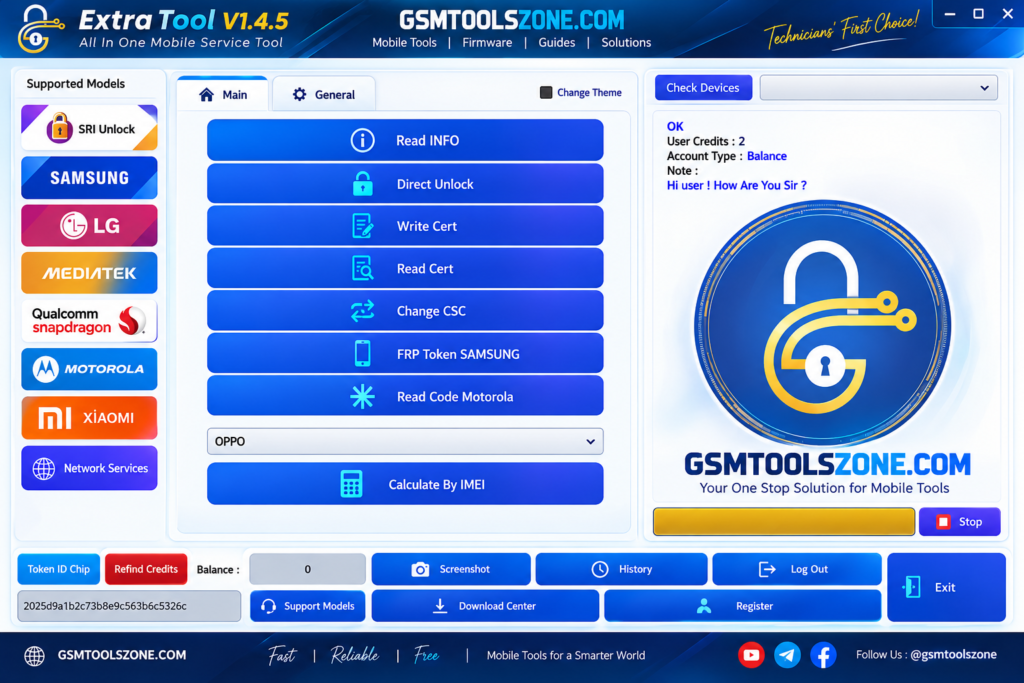
Extra Tool v1.4.5 is a useful Android servicing tool for handling common software and repair problems. It is designed to help users and mobile technicians repair other software problems. It has a simple interface every one use easily. You can download this tool, connect an Android device via USB, and solve problems in just a few clicks.
FAQs
Is Extra Tool free V1.4.5?
Yes, Extra Tool V1.4.5 is available as a free Windows-based Android servicing tool.
Can Extra Tool V1.4.5 help with FRP?
Yes, it provides FRP-related servicing options for supported Android devices.
Is an internet connection required?
Some features may require an internet connection, while other functions can work locally.
Is Extra Tool easy to use?
Yes, its interface is designed to make common Android servicing tasks easier for mobile technicians.

One Comment
Comments are closed.