
Miracle Advanced Android Tool v1.35 Full Activated Setup Download [2026]
Android users and mobile technicians often face issues like forgotten screen locks, FRP locks, software errors, boot problems, and firmware issues. Miracle Advanced Android Tool v1.35 offers a practical Windows-based solution by bringing multiple Android repair and maintenance functions into one application. This tool supports various Android servicing tasks, including reading device information, handling screen locks, FRP and Google account operations, firmware flashing, backup and restore, and software maintenance.
Also Use: Modem Meta Tool v10.2044.0.02 Download Latest Version [2026]
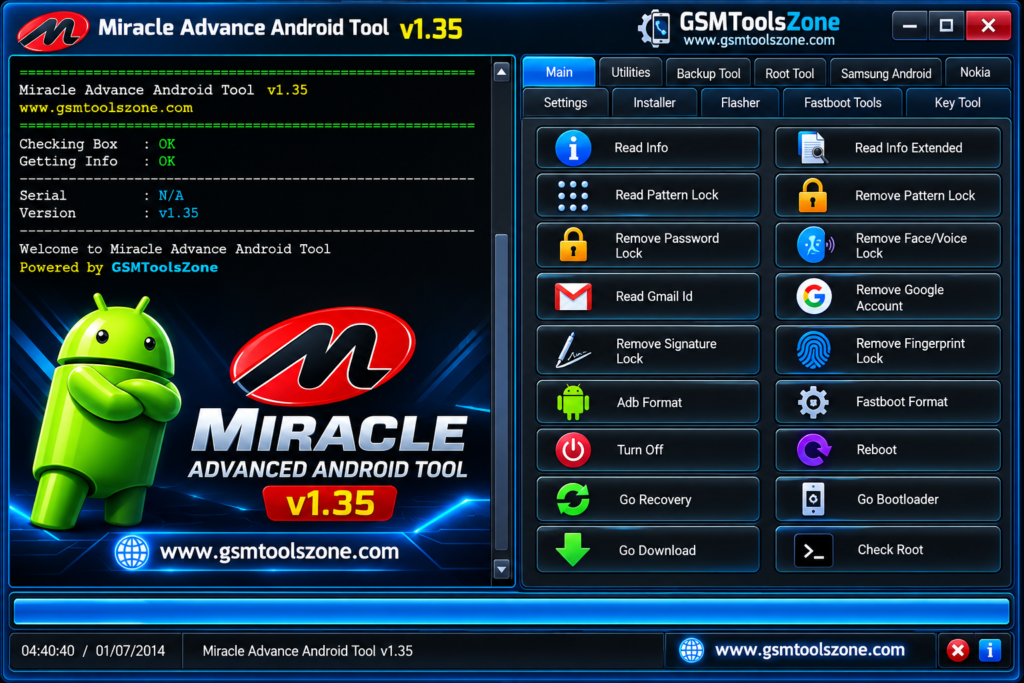
What is Miracle Advanced Android Tool v1.35?
Miracle Advanced Android Tool v1.35 is a Windows-based software application made for Android device servicing and maintenance. Miracle Advanced Android Tool works with common Android servicing technologies such as ADB and Fastboot. It provides a simple interface where mobile technicians can access different options for managing supported Android phones from a computer.
Features
Backup & Restore:
Create backups of supported device data and settings, then restore them when needed during repair or maintenance.
FRP Support:
Provides options for handling FRP (Factory Reset Protection) and Google account-related servicing on supported Android devices.
Screen Lock Servicing:
Supports selected screen-lock operations for patterns, PINs, passwords, fingerprints, face locks, and other compatible security methods.
Firmware Flashing:
Flash supported firmware and software files to resolve certain Android software and system issues.
Firmware Read & Write:
Read available firmware information and write supported firmware files when required for compatible servicing operations.
Network Unlocking:
Includes network-related unlocking options for supported devices that are restricted to a particular carrier or network.
Data Extraction:
Provides supported options for accessing or extracting available device data during certain Android repair and servicing situations.
IMEI Repair:
Includes IMEI-related servicing functions for compatible devices where restoring or repairing device identification information is supported.
Factory Reset & Data Wipe:
Performs supported factory reset and data-wiping operations when a clean device is required for repair, testing, or maintenance.
ADB & Fastboot Support:
Works with ADB (Android Debug Bridge) and Fastboot functions for supported Android servicing, communication, and software operations.
Recovery Mode:
Reboots compatible Android devices into Recovery Mode for troubleshooting, maintenance, and supported recovery-related tasks.
Root Status Check:
Check whether a compatible Android device has active root access before performing advanced servicing operations.
Root Access:
Provides supported root-related functions for advanced Android system maintenance on compatible devices.
Flash Recovery:
Flash supported recovery files when performing Android system maintenance or recovery-related operations.
Debugging Support:
Supports Android devices with debugging enabled, allowing compatible servicing operations to communicate with the device through a computer.
Virus & Unwanted App Removal:
Provides supported options for dealing with unwanted applications and files that may affect the normal operation of a compatible Android device.
Pros and Cons
Pros
- Supports many Android servicing functions in one tool.
- Simple and easy-to-use interface.
- Includes ADB and Fastboot support.
- Provides firmware flashing and maintenance options.
- Supports backup and restore functions.
- Includes FRP and screen-lock servicing options.
- Can read important device information.
- Supports Recovery Mode and root-status checking.
- Useful for mobile repair technicians.
- Works on Windows computers.
Cons
- Not every feature works with every Android device.
- Device compatibility may depend on the chipset and Android version.
- Some advanced operations require proper technical knowledge.
- Newer security patches may limit certain functions.
- Incorrect firmware or servicing operations can cause software problems.
System Requirements
| Requirements | Details |
|---|---|
| Operating System | Windows 7, 8, 10, or 11 |
| Processor | Intel or AMD processor |
| RAM | At least 4 GB |
| Storage | At least 1 GB free space |
| USB Port: | Required for connecting Android devices |
How to download Miracle Advanced Android Tool v1.35?
- Download the Miracle Advanced Android Tool v1.35 setup file from the official website.
- If the file is compressed, extract the downloaded ZIP/RAR file to a new folder.
- Open the extracted folder and run the Miracle Advanced Android Tool v1.35 setup or executable file.
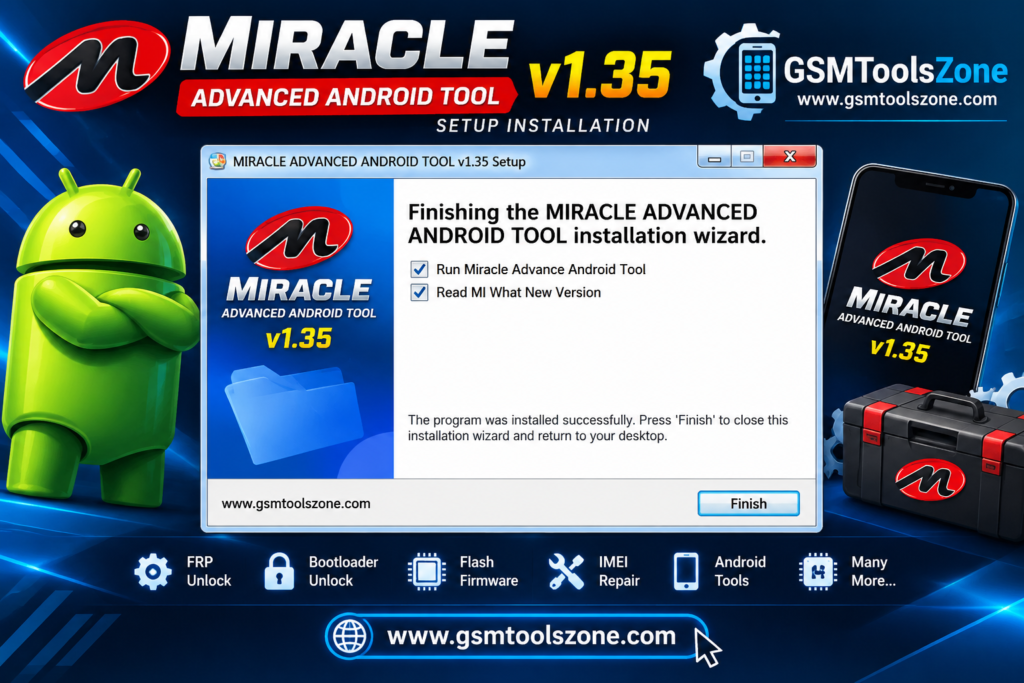
- Follow the installation instructions and wait for the setup to finish.
- Launch Miracle Advanced Android Tool v1.35 from your desktop or installation folder.
- Install the required Android USB drivers if your device is not detected.
- Connect your Android smartphone to the computer using a suitable USB cable.
- Select the required servicing function and follow the instructions shown by the tool.
Conclusion
Miracle Advanced Android Tool v1.35 is a useful Windows application for Android device servicing and maintenance. It is different repair-related options into one place, which can make common servicing work more convenient for mobile technicians and experienced Android users.
FAQs
Is Miracle Advanced Android Tool v1.35 free?
The availability and licensing may depend on the specific version or release. Check the provided download information before using it.
Can it remove FRP locks?
It provides FRP and Google account-related options for supported Android devices. Compatibility can vary by model and security version.
Does it support ADB and Fastboot?
Yes, Miracle Advanced Android Tool includes ADB and Fastboot-related functions for compatible devices.
Is a USB cable required?
Yes, a compatible USB data cable is normally required to connect an Android device to a Windows computer.



One Comment
Comments are closed.