
SamFw FRP Tool v6.0.1 Best Download Guide [2026]
If your Android phone is stuck on the Google account verification screen after a factory reset, completing the setup can become difficult. SamFw FRP Tool v6.0.1 is a Windows Android servicing tool. It is especially designed to help mobile technicians and users handle supported FRP and Android servicing tasks. It provides different options for working with supported Samsung Galaxy devices and selected Xiaomi, LG, MediaTek, and Qualcomm phones. Depending on the device and Android version, the tool can assist with FRP-related operations, ADB USB debugging, Test Mode, and other servicing functions.
Also Use: MDM Fix Tool v1.1.0.2 – Easy & Safe Setup Download [2026]
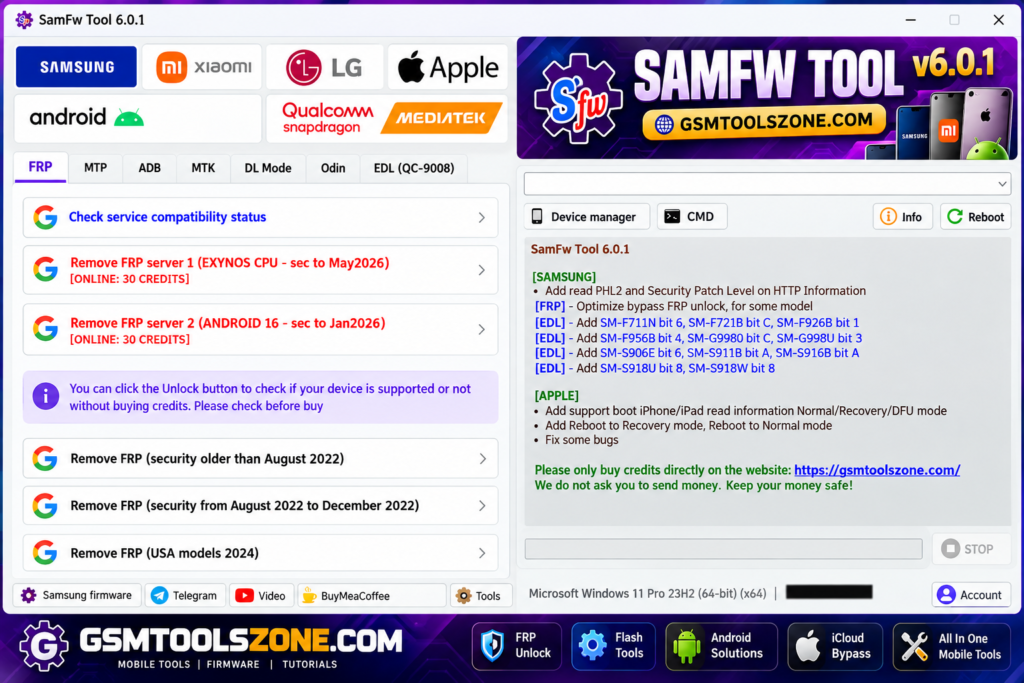
What is SamFw FRP Tool v6.0.1?
SamFw FRP Tool v6.0.1 is a Windows-based Android servicing software mainly used for supported Samsung smartphones and tablets. SamFw FRP Tool v6.0.1 performs different functions for mobile software repair, device maintenance, and FRP-related tasks. This tool works with modes such as ADB (Android Debug Bridge) and Samsung Test Mode to communicate with supported devices.
Features
FRP Support:
SamFw FRP Tool v6.0.1 provides FRP-related options for supported Samsung Galaxy devices. Available operations can vary depending on the model, Android version, and security patch.
ADB and Test Mode:
The tool supports ADB and Samsung Test Mode for selected servicing tasks. These modes help the software communicate with compatible Android devices through a USB connection.
Samsung Firmware Flashing:
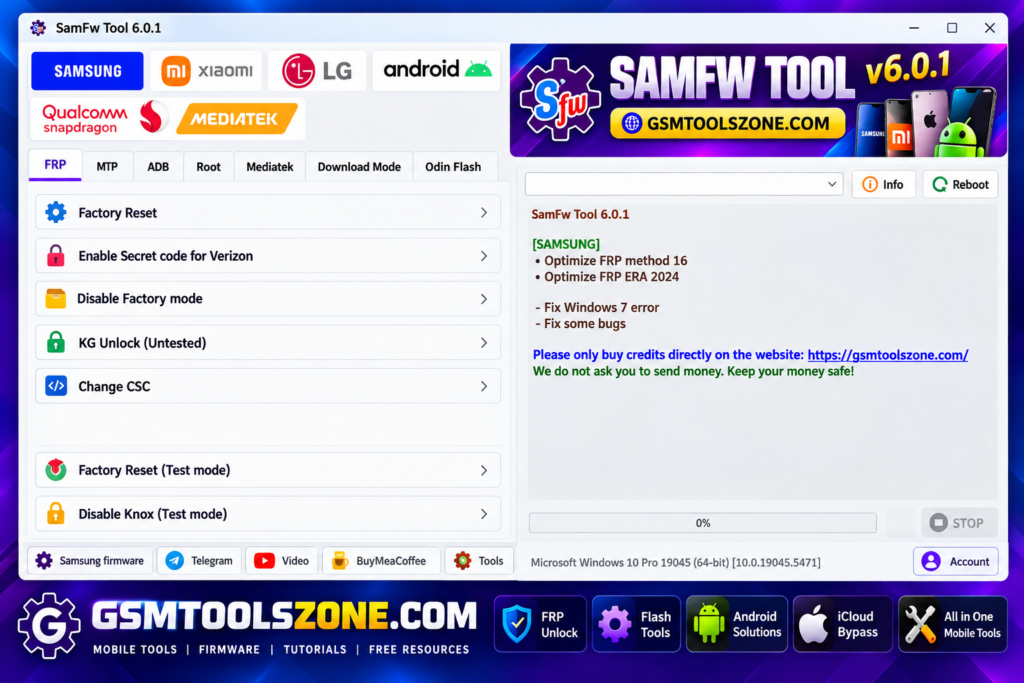
You can flash supported Samsung firmware using files such as BL, AP, CP, and CSC. This can be useful when repairing software issues or installing the correct firmware.
CSC Change:
The tool provides a CSC change option for supported Samsung devices. It can help technicians apply compatible country or carrier settings when required.
Device Information:
SamFw FRP Tool can display important information from a connected device, including the model and other available device details. This makes it easier to identify the phone before servicing.
MediaTek and Qualcomm Support:
The software includes selected functions for devices using MediaTek (MTK) and Qualcomm chipsets. Supported features depend on the specific device and software version.
KG and MDM Options:
For compatible Samsung devices, the tool provides certain KG and MDM servicing options. These functions may differ according to the device model and security level.
Knox Options:
SamFw FRP Tool includes several options related to Samsung Knox. The available functions depend on the supported device and its software configuration.
Simple User Interface:
The tool has a straightforward interface that makes its main options easy to find. Both beginners and mobile technicians can navigate the available functions without a complicated setup.
Fast Device Detection:
When a supported phone is connected through USB, the software can detect the device and show available servicing options. This helps users select the correct operation for the connected phone.
Pros and Cons
Pros
- Easy to use for beginners and technicians.
- Supports many Samsung Galaxy devices.
- Includes ADB and Test Mode options.
- Supports Samsung firmware flashing.
- Provides CSC change options.
- Works with selected MediaTek and Qualcomm devices.
- Shows useful device information.
- Provides several Android servicing options.
Cons
- Not every Android device is supported.
- Some features depend on the device model and Android version.
- Security patch level can affect available functions.
- Some operations may require specific drivers or modes.
- Advanced options may be difficult for new users.
System Requirements
| Requirements | Details |
|---|---|
| Operating System | Windows 7, 8, 10, or 11 |
| Processor | Intel or AMD Processor |
| RAM | 4 GB or more |
| Storage | At least 1 GB of free space |
| USB Port | Required for connecting Android devices |
| Drivers | Compatible USB and device drivers |
How to download SamFw FRP Tool v6.0.1?
- Download the SamFw FRP Tool v6.0.1 setup file from the link below OR the official website.
- Extract the downloaded file
- Open the extracted folder and run the setup
- After installation, open the SamFw FRP Tool v6.0.1
- Connect your Android phone with a USB cable
- You are now ready to use the tool
Setup Download Information
- File Version: v6.0.1
- File Size: 71.83 MB
- File Password: gsmtoolszone.com
- Download Link👇
Conclusion
SamFw FRP Tool is a useful choice for mobile technicians who need a practical Windows tool for supported Android devices. Its different servicing options make it helpful for handling software-related tasks on Samsung phones and selected MediaTek and Qualcomm devices. It has a simple interface; you can download this tool and solve your problem in just one click.
FAQs
Is SamFw FRP Tool free?
Yes, SamFw FRP Tool is available as a free utility, but some functions may depend on the supported device and software version.
Which devices does SamFw FRP Tool support?
The tool mainly supports Samsung devices and also provides selected functions for MediaTek and Qualcomm devices.
Does the tool require USB drivers?
Yes, compatible USB and device drivers may be required so Windows can properly detect the connected phone.
One Comment
Comments are closed.