Cheetah Tool Pro v2026.07.22 Download Latest Version for Android
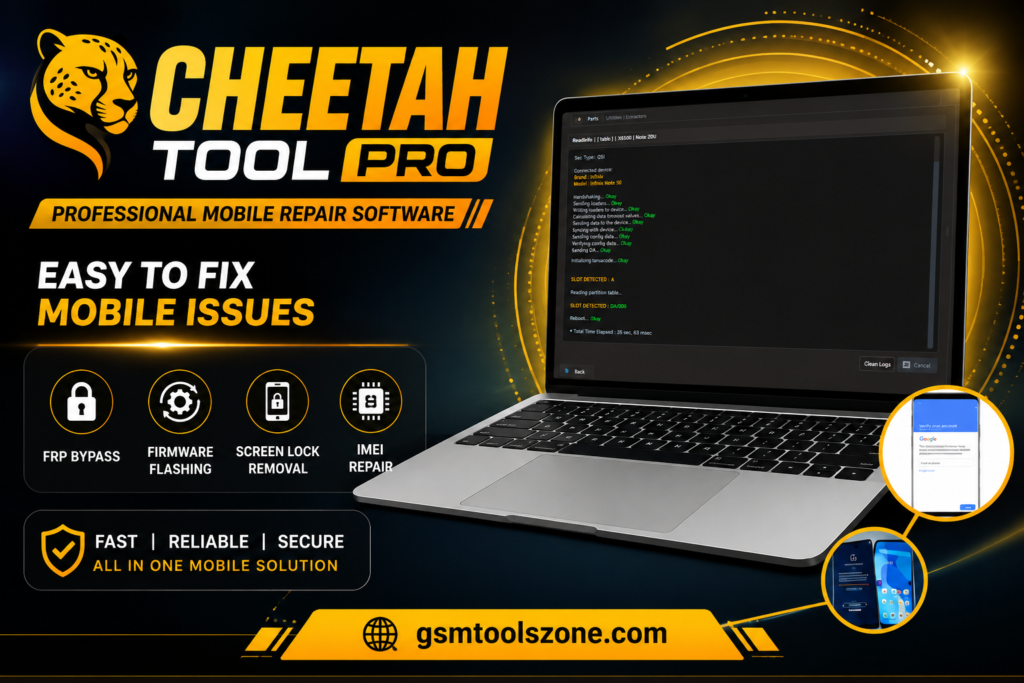
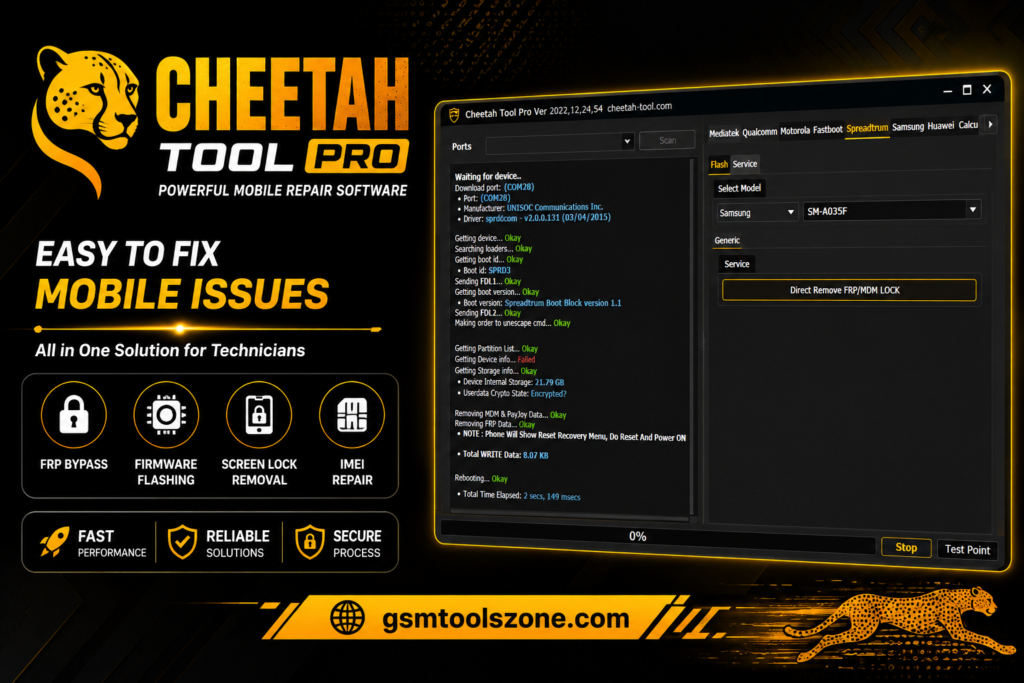
Users and Android mobile technicians face common problems such as FRP locks, screen locks, firmware errors, flashing issues, USB detection issues, and device security restrictions. Using a different tool or a different chipset takes extra time, and the repair process is more complicated. Cheetah Tool Pro solves these problems in one place. Cheetah Tool Pro has a simple interface. It is a professional Android repair, flashing, and servicing tool for users and mobile technicians. The tool has multiple repair functions in one place.
Also Use: Android Root Tool v6.0.5.0 Download Latest Version Fully Activated [2026]
What is Cheetah Tool Pro?
Cheetah Tool Pro is a professional Windows-based Android repair tool. Its help for user and mobile technicians perform FRP Reset, screen lock removal, firmware flashing, factory reset, device information reading, IMEI repair, security reset, and other repair tasks. Its sported wide range of Android brands and chipsets, including MediaTek (MTK), Qualcomm, Spreadtrum/Unisoc, Samsung Exynos, Huawei, Xiaomi, and Motorola.
Features
Android Device Unlocking:
Forgotten PINs, passwords, and pattern locks can make an Android phone difficult to access. Cheetah Tool Pro provides supported device unlocking functions to help technicians handle screen-lock-related servicing tasks.
FRP Reset:
Factory Reset Protection (FRP) is a security feature found on many Android devices. Cheetah Tool Pro includes FRP reset functions for supported models, helping authorized users and technicians complete device servicing after a factory reset.
Firmware Flashing:
Software problems, boot errors, and corrupted firmware can affect Android performance. Cheetah Tool Pro supports firmware flashing and software reinstallation on compatible devices to help repair software-related issues and restore the device to working condition.
ADB & Fastboot Functions:
The tool provides useful ADB and Fastboot functions for supported Android devices. These features can help technicians communicate with a connected device, check device information, reboot the phone, and perform various maintenance operations.
Device Information:
Before performing a repair, technicians often need to identify the connected phone. Cheetah Tool Pro can read available information such as:
- Device Model
- Android Version
- Build Number
- Security Patch Level
- IMEI Information
- Hardware Information
This information can help users select the correct repair or firmware procedure.
Advanced Android Repair:
Cheetah Tool Pro includes additional servicing functions for handling common Android software problems, boot issues, firmware errors, and system-related faults. Available functions can vary according to the device model and chipset.
IMEI & Security Functions:
For supported devices and authorized repair scenarios, the tool provides functions related to IMEI servicing, security reset, and device maintenance. Technicians should always use these functions only on devices they are authorized to repair.
Fast & Lightweight Performance:
A lightweight design helps Cheetah Tool Pro perform common operations without unnecessarily consuming system resources. This can provide a smoother experience during flashing, device detection, and repair operations.
Simple User Interface:
Cheetah Tool Pro comes with a straightforward dashboard where repair functions are organized for easier access. Its simple interface can be useful for both beginners and experienced mobile technicians who want to complete common Android servicing tasks without a complicated workflow.
Supported Brands & Chipsets:
Cheetah Tool Pro supports various Android manufacturers and hardware platforms. Depending on the version and device model, supported platforms can include the following brands and Chipsets: Samsung, Xiaomi, Redmi, Huawei, Oppo, Vivo, Nokia, Infinix, Tecno, Motorola, LG, and Google Pixel. Chipsets: MediaTek (MTK), Qualcomm Snapdragon, Unisoc/Spreadtrum, and Samsung Exynos.
What’s New in Cheetah Tool Pro?
- Fixed several known software bugs
- Improved device detection and compatibility
- Expanded support for selected Android models
- Enhanced USB connection stability
- Optimized overall tool performance
- Improved flashing and repair operations
- Updated selected device servicing functions
- Improved software stability for smoother operation
System Requirements
| Requirement | Details |
| Operating System | Windows 7, 8, 10, or 11 |
| Processor | Intel or AMD Dual-Core or higher |
| RAM | 4 GB minimum, 8 GB recommended |
| Storage | At least 500 MB free space |
| USB Port | Required for connecting Android devices |
How to Download Cheetah Tool Pro?
- Download the Cheetah Tool Pro ZIP file from the official website.
- Extract the downloaded file.
- Open the extracted folder and run the setup.
- After installation, open Cheetah Tool Pro.
- Connect your Android phone with a USB cable.
- You are now ready to use the tool.
Setup File Download Information
- File Version: v2026.05.02.177.1
- File Size: 12.53 MB
- Download Link👇
Conclusion
Cheetah Tool Pro is a useful and reliable Windows-based Android servicing tool. It supports different brands and chipsets; it’s helpful for users and mobile technicians working with different devices. Cheetah Tool Pro is a good choice for users and mobile technicians.
FAQs
Is Cheetah Tool Pro safe for beginners?
The interface is designed to be simple, but some repair operations can affect device data or software. Beginners should understand the selected function before starting any operation.
Does Cheetah Tool Pro require USB drivers?
Yes. The required USB, ADB, Fastboot, or chipset-specific drivers may need to be installed so the Windows PC can properly detect the connected Android device.
Does Cheetah Tool Pro work on Windows 11?
Yes, the listed system requirements include Windows 11, along with Windows 7, 8, and 10.
Should I back up my data before using the tool?.
Yes. A backup is recommended whenever possible because some repair, reset, or flashing operations can erase user data from the device.