Pandora Tool V9.25 Download for Windows (Google Pixel Support)
When Android phones face firmware flashing errors, bootloader issues, FRP locks, or other software problems, repairing them can be difficult without the right tools. Pandora Tool v9.25 provides a range of mobile servicing features to help users and mobile technicians handle these tasks on a Windows computer. Pandora Tool v9.25 supports selected MediaTek (MTK), Spreadtrum (SPD), and UniSoC devices, along with various Android repair and maintenance functions.
Also Use: Dolphin Tool V1.2 Download the Latest Version for Windows
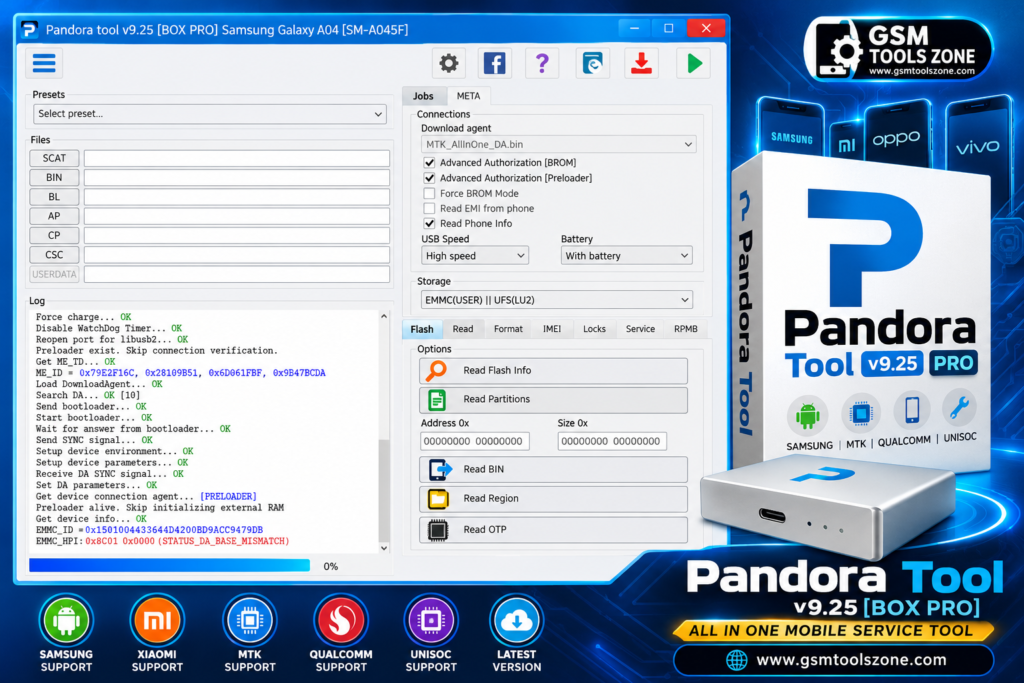
What is Pandora Tool v9.25?
Pandora Tool v9.25 is a Windows-based mobile servicing software developed by the Z3X Team. It helps mobile technicians and users repair and maintain supported Android devices. This tool offers features such as firmware flashing, factory reset, device information reading, bootloader operations, and other software repair functions. It supports selected MediaTek, Spreadtrum, and UniSoC devices. Pandora Tool v9.25 provides different servicing options in one place, making it useful for both beginners and experienced mobile technicians.
Features
MediaTek Support:
Pandora Tool supports selected MediaTek devices and provides different servicing options to help technicians troubleshoot software problems.
Firmware Flashing:
It offers firmware flashing functions for compatible devices to help reinstall or repair the phone’s software.
Device Information Reading:
The tool can read device information from supported phones, helping technicians identify device details during repair work.
Factory Reset:
Pandora Tool provides a factory reset option for compatible devices. This process may erase personal data, so always back up important files first.
Bootloader Unlock and Relock:
It includes bootloader operations for supported devices. Availability depends on the phone model and its security restrictions.
Spreadtrum and UniSoC Support:
The software supports selected Spreadtrum (SPD) and UniSoC chipset-based devices for specific servicing tasks.
EDL Mode Support:
Pandora Tool offers servicing functions for supported devices in Emergency Download (EDL) mode, depending on the chipset and model.
Advanced Repair Functions:
It provides selected repair and maintenance options. Some advanced functions may require root access or specific device permissions.
Hardware Testing and Calibration:
The tool includes Calibration Mode and Normal Mode for supported hardware tests and RF parameter adjustments.
User-Friendly Interface:
Its Windows interface helps technicians select supported devices, configure connections, and access available servicing functions.
Password Removal:
Pandora Tool offers password-removal options for certain supported devices, depending on the model and security version.
Wide Device Compatibility:
It supports selected Android devices with different chipsets, but available features vary by model and Pandora Tool version.
Pros and Cons
Pros
- Supports selected MediaTek, Spreadtrum, and UniSoC devices.
- Offers multiple mobile servicing features in one tool.
- Supports firmware flashing and factory reset.
- Includes bootloader operations for compatible devices.
- Provides device information reading and repair options.
- Includes hardware testing and calibration features.
Cons
- Some features work only with supported device models.
- Advanced functions may require root access.
- Certain operations require specific drivers or connection modes.
- Incorrect flashing or repair operations can damage device software or erase data.
- Some features may not work with newer security updates.
System Requirements
| Requirements | Details |
|---|---|
| Operating System | Windows 7, 8, 10, or 11 |
| Processor | Intel or AMD |
| RAM | 4 GB or more |
| Storage | 1 GB free space |
| USB Connection | USB port and compatible cable |
| USB Drivers | USB and device drivers |
| Internet | Required for downloads and some online functions |
How to download Pandora Tool v9.25?
- Visit the official website to find the Pandora Tool download.
- Select the latest available version of Pandora Tool.
- Click the download button and wait for the file to download.
- If the file is compressed, extract it using a suitable extraction tool.
- Open the setup file and follow the installation instructions if an installer is provided.
- Install the required USB drivers for your supported device.
Setup Download Information
- File Version: v9.25
- File Size: 213.76 MB
- File Password: gsmtoolszone.com
- Download Link👇
Conclusion
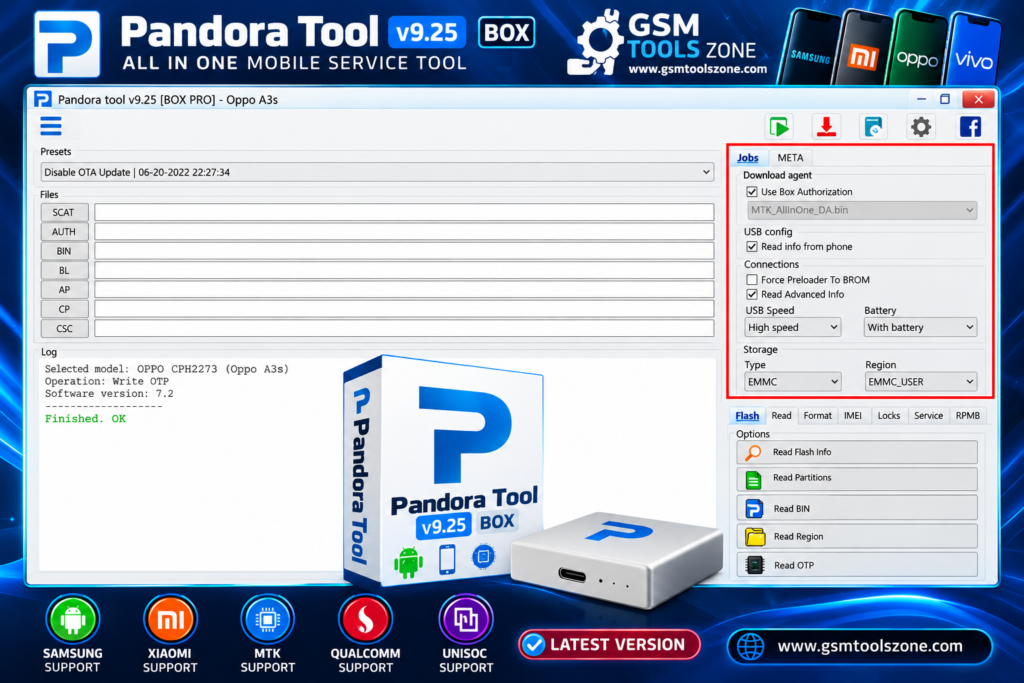
Pandora Tool v9.25 is a useful Windows software for mobile repair and servicing of Android-supported devices. It offers features such as firmware flashing, factory reset, bootloader operations, device information reading, and advanced repair options. This tool supports selected MediaTek, Spreadtrum, and UniSoC devices. It provides different servicing functions and is a helpful choice for mobile technicians who need to troubleshoot software problems.
FAQs
Is Pandora Tool free to download?
Pandora Tool versions may be available from different sources, but access to certain features may require compatible hardware or a license.
Which devices does Pandora Tool support?
Pandora Tool supports selected Android devices using MediaTek, Spreadtrum, and UniSoC chipsets. Support depends on the device model and software version.
Can Pandora Tool remove FRP?
Pandora Tool may provide FRP-related servicing functions for certain supported devices. Availability depends on the model and security version.
Is Pandora Tool safe to use?
It can be useful when downloaded from a trusted source and used correctly. Incorrect flashing or repair operations may erase data or cause device problems, so back up your files first.