CDMA Yemen Tool Pro v0.3.3 Free Download Latest Update [2026]
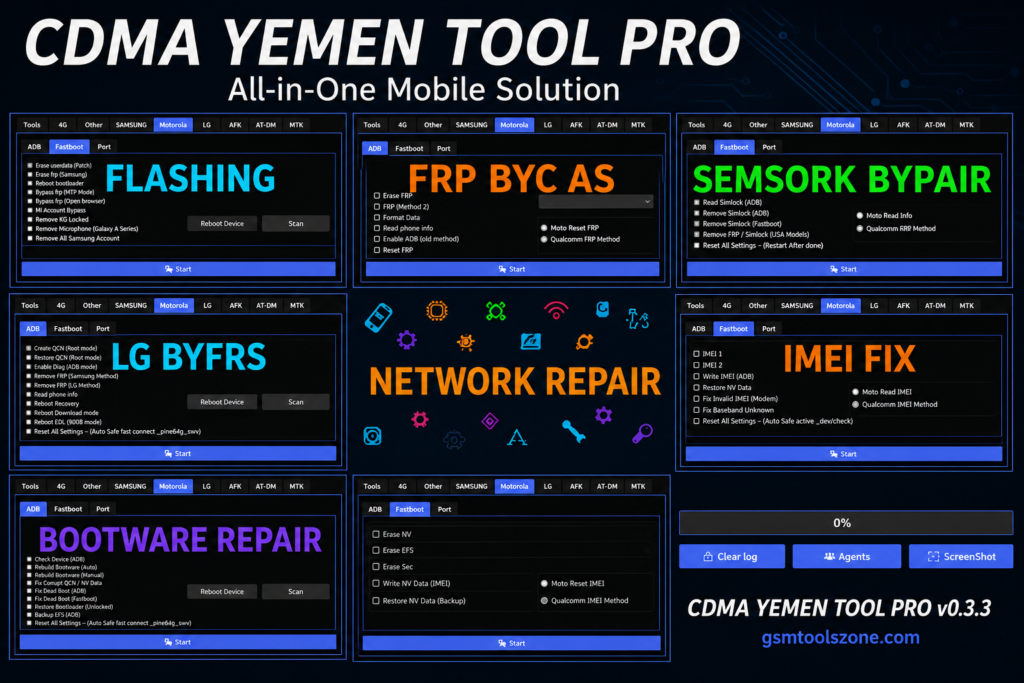
CDMA devices are difficult to use because of network locks, user locks, SPC restrictions, or IMEI/MEID/ESN-related problems. CDMA Yemen Tool v0.3.3 provides a practical Windows-based solution for supported CDMA devices. It helps mobile technicians and users with common servicing tasks, including network unlocking, user lock removal, SPC operations, IMEI/MEID/ESN repair, and PRL programming, from a simple interface. This tool also supports Huawei and ZTE devices, along with compatible MediaTek (MTK) models.
Also Use: Hunter Tool V4.6.5 Free Download Latest Version [2026]
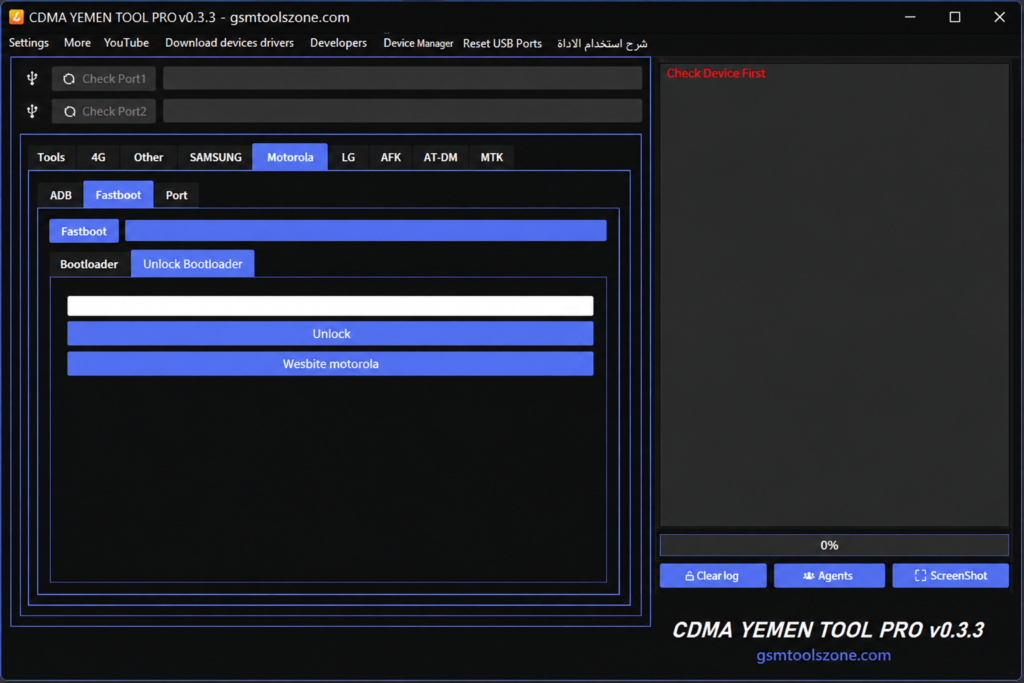
What is CDMA Yemen Tool v0.3.3?
CDMA Yemen Tool is a Windows-based mobile servicing Tool by the Magic Team. It supports selected CDMA and Android devices, including Huawei, ZTE, and MediaTek (MTK) models. CDMA Yemen Tool provides a simple platform for device servicing, unlocking, software repair, and maintenance.
Features
CDMA Device Support
CDMA Yemen Tool works with selected CDMA, Huawei, ZTE, and MediaTek (MTK) devices, helping technicians handle supported models from one application.
Network Unlocking
The tool provides network unlocking options for compatible CDMA devices, helping resolve supported network restrictions.
IMEI, MEID & ESN Repair
Technicians can work with IMEI, MEID, and ESN information on supported devices when these identifiers require servicing or repair.
SPC & User Lock Operations
CDMA Yemen Tool includes options for handling SPC and user lock-related issues on compatible devices.
PRL Programming
The software supports PRL (Preferred Roaming List) programming for compatible CDMA devices and network configurations.
Simple Windows Interface
Its straightforward Windows-based interface keeps common servicing functions organized and easier to access for mobile technicians.
Multi-Brand Compatibility
Support for selected Huawei and ZTE devices gives technicians more flexibility when servicing different CDMA models.
MediaTek (MTK) Support
Compatible MediaTek (MTK) devices can be serviced using the available functions, depending on the supported chipset and model.
Mobile Servicing Solution
By combining several CDMA servicing functions in one tool, it can help technicians manage common unlocking, repair, and maintenance tasks more efficiently.
Pros and Cons
Pros
- Simple and easy-to-use interface
- Supports selected Huawei and ZTE devices
- Provides MediaTek (MTK) support
- Includes CDMA network unlocking options
- Supports IMEI, MEID, and ESN servicing
- PRL programming is available
- Useful for mobile repair technicians
- Combines multiple servicing functions in one tool
Cons
- Works only with supported device models
- Some features may depend on the device chipset
- Mainly focused on CDMA and supported devices
- Windows PC is required
- Advanced operations may require technical knowledge
System Requirement
| System Requirement | Specification |
| Operating System | Windows 7, 8, 10, or 11 |
| Processor | Intel or AMD Processor |
| RAM | 4 GB or Higher |
| Storage | At Least 1 GB of free space |
| USB Port | Required for Device Connection |
How to download CDMA Yemen Tool v0.3.3?
- Download the CDMA Yemen Tool v0.3.3 ZIP file from the official website.
- Extract the downloaded file.
- Open the extracted folder and run the setup.
- After installation, open CDMA Yemen Tool v0.3.3.
- Connect your Android phone with a USB cable.
- You are now ready to use the tool.
Conclusion
CDMA Yemen Tool v0.3.3 can be a useful choice for users and technicians who need a straightforward solution for supported CDMA devices. Its Windows-based setup keeps the servicing process simple and organized. Before using the CDMA Yemen Tool v0.3.3, always check device compatibility and make sure you have installed the correct drivers and a proper backup of important data. Overall, it can be a practical addition to a mobile technician software list.
FAQ’s
Is CDMA Yemen Tool free to use?
The availability and usage terms may depend on the version or source from which the tool is obtained.
Does CDMA Yemen Tool need installation?
Yes, the tool is designed to run on a Windows PC and may require setup before use.
Can beginners use CDMA Yemen Tool?
The interface is relatively simple, but some mobile servicing operations may require basic technical knowledge.
Is a USB cable needed?
Yes, a suitable USB cable is generally needed to connect a supported device to the computer.
![FRT Tool v1.7.5 Download Latest Version Fully Activated [2026]](https://gsmtoolszone.com/wp-content/uploads/2026/08/frt-tool-v1-7-5-2026-768x576.png)