Dars Unlock Tool v5 Safe Download for Windows Latest Version [2027]
When a smartphone needs servicing or has connection issues, finding a suitable tool with the right device support can be challenging. Dars Unlock Tool v5 is a Windows-based mobile servicing tool it is designed to help technicians and users work with supported Android and Apple devices. Dars Unlock Tool v5 provides access to selected servicing functions, including Boot Diag support for selected Apple A12 and A13 devices, Samsung Exynos FRP servicing through Odin Download Mode, and additional Qualcomm loader support for selected Samsung models.
Also Use: SamXTool V1.0.0 Free Download for Samsung FRP Bypass 2027
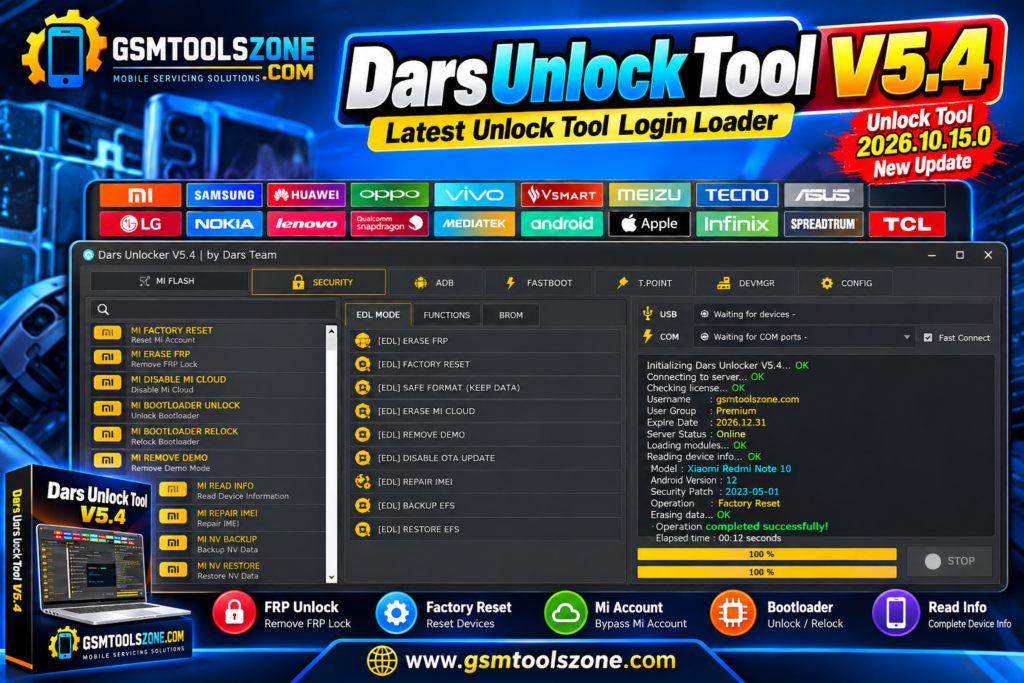
What is Dars Unlock Tool v5?
Dars Unlock Tool v5 is a Windows-based mobile servicing tool designed for technicians and users who work with supported smartphones. Dars Unlock Tool v5 provides different servicing functions through a simple interface and a login-based system. This tool includes Boot Diag support for selected Apple A12 and A13 devices, Samsung Exynos FRP servicing through Odin Download Mode, and Qualcomm loader support for selected Samsung models. Its available features depend on the device model, chipset, and supported tool version.
Features
Boot Diag Support:
Supports Boot Diag functions for selected Apple devices with A12 and A13 chipsets.
Samsung Exynos FRP Servicing:
Provides FRP servicing for supported Samsung Exynos devices through Odin Download Mode.
Qualcomm Loader Support:
Includes additional Qualcomm loaders for selected Samsung models.
Hello Bypass Improvements:
Fixes the reported issue where the screen did not turn off automatically after completing the Hello Bypass process.
Apple Device Information Support:
Offers device information-related functions for selected compatible Apple devices.
Wide Apple Device Support:
Reported compatible models include iPhone 11 series, iPhone XS series, iPhone XR, iPhone SE 2020, iPad Air 3, iPad mini 5, and iPad 8.
Login-Based Access:
Uses a login-based system, so users may need valid account details to access the available functions.
Simple Windows Interface:
Provides a straightforward interface for technicians performing supported mobile servicing tasks.
Pros and Cons
Pros
- Supports selected Apple A12 and A13 devices.
- Includes Samsung Exynos FRP servicing.
- Provides additional Qualcomm loader support.
- Includes Hello Bypass improvements.
- Supports selected iPhone and iPad models.
- Offers a simple Windows interface.
Cons
- Requires login-based access.
- Supports only selected device models.
- Some features depend on the loader version.
- Beginners may need technical knowledge.
- Compatibility may vary with security patches.
System Requirements
| Requirement | Details |
| Operating System | Windows 7, 8, 10, or 11 |
| RAM | 4 GB |
| Processor | Intel or AMD |
| Storage | At least 1 GB of free space |
| USB Connection | Required |
| Internet | Required for login-based access |
How to download Dars Unlock Tool v5?
- Visit the official website to find the DARS Unlock Tool download file.
- Download the latest available version to your Windows PC.
- Extract the ZIP or RAR file if the download is compressed.
- Open the extracted folder and locate the setup or executable file.
- Follow the installation instructions, if provided.
- Make sure you have the required login details before opening the tool.
Setup Download Information
- File Version: V5
- File Size: 284.96 MB
- File Password: gsmtoolszone.com
- Download Link👇
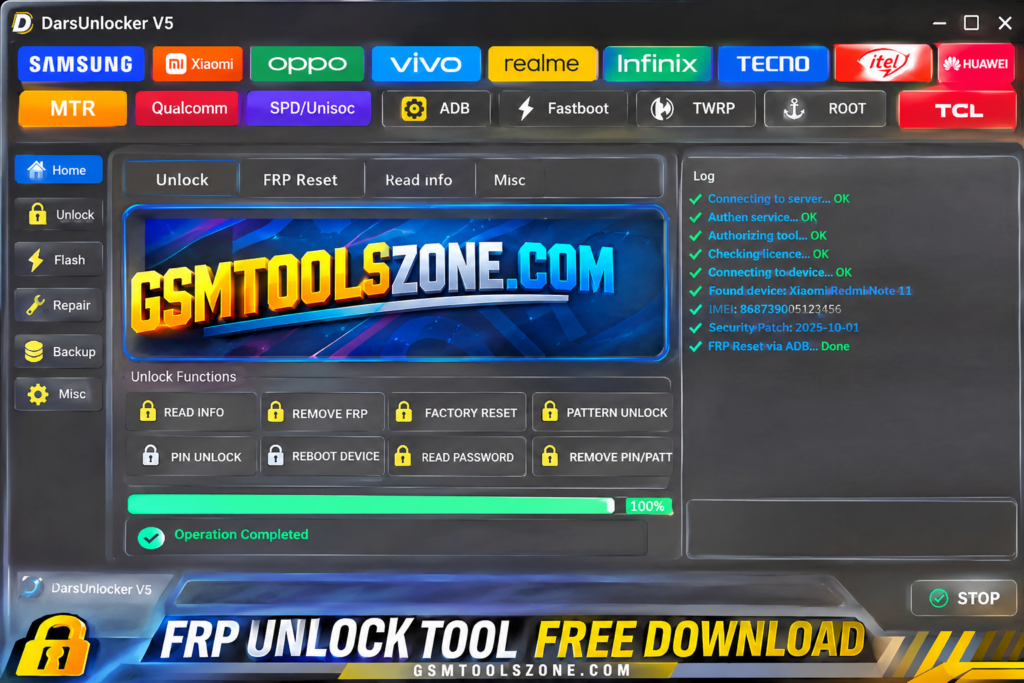
Conclusion
Dars unlock Tool v5 is a useful Windows-based mobile servicing software for technicians and users working with supported smartphones. Dars unlock Tool v5 performs features such as Boot Diag support for selected Apple A12 and A13 devices, Samsung Exynos FRP servicing, and additional Qualcomm loader support for certain Samsung models. It also includes Hello Bypass improvements and device information-related functions. This tool has a simple interface, but it requires login-based access, and some features work only with supported devices.
FAQS
Is Dars Unlock Tool free to use?
Dars Unlock Tool uses a login-based system. Users may need valid login details to access its available features.
Does Dars Unlock Tool support Samsung FRP?
Yes, it provides FRP servicing for selected Samsung Exynos devices through Odin Download Mode.
What is new in Dars Unlock Tool V5?
The update includes Boot Diag support for Apple A12 and A13 devices, a Hello Bypass screen timeout fix, and device information-related improvements.
Does Dars Unlock Tool support Qualcomm devices?
Yes, it includes additional Qualcomm loaders for selected Samsung models. Support depends on the device model and loader version.

One Comment
Comments are closed.