Ultra Unlock Tool v4.4.3 Free Download Latest Version [2027]
When a mobile phone gets stuck with FRP, ID, or KG locks, or faces flashing and software issues, repairing it becomes difficult for technicians. Ultra Unlock Tool v4.4.3 is a mobile servicing utility designed to handle different unlocking and repair tasks on supported devices. It offers features such as FRP, ID, and KG unlocking, code reading, firmware flashing, bootloader unlocking, certificate reading and writing, and CSC switching. This tool also supports Qualcomm, MediaTek, HiSilicon, and Unisoc chipsets across multiple mobile brands.
Also Use: Dars Unlock Tool v5 Safe Download for Windows Latest Version [2027]
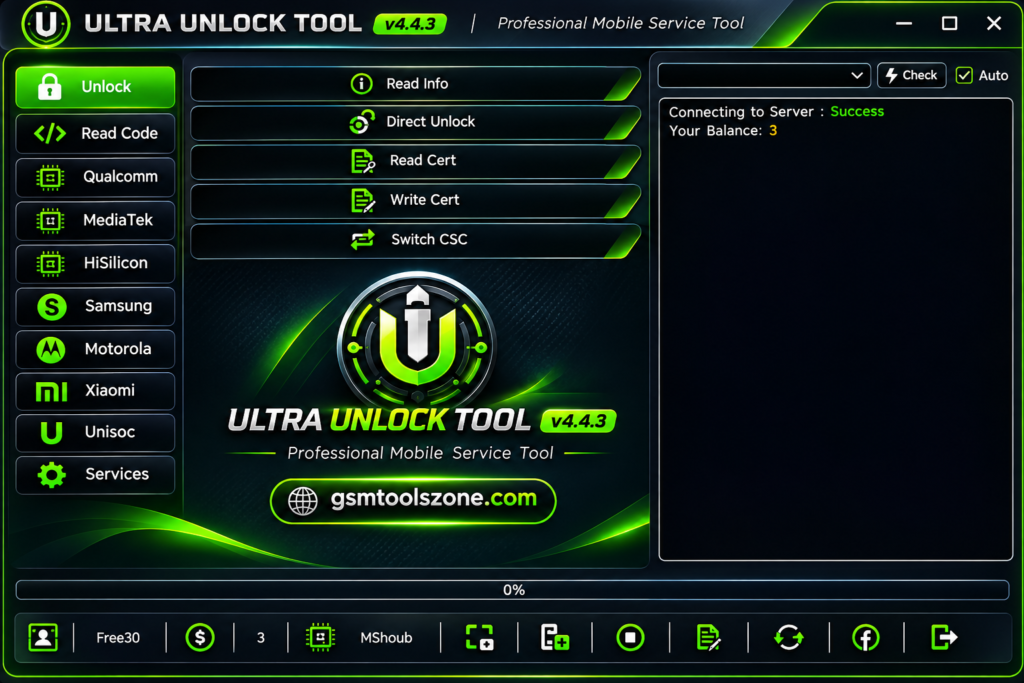
What is Ultra Unlock Tool v4.4.3?
Ultra Unlock Tool v4.4.3 is a Windows-based mobile servicing software used for unlocking, flashing, and repairing supported Android devices. Ultra Unlock Tool v4.4.3 supports multiple brands, including Samsung, Motorola, and Xiaomi, along with different chipsets such as Qualcomm, MediaTek, HiSilicon, and Unisoc. This tool provides different functions, including FRP unlocking, bootloader unlocking, firmware flashing, and device management.
Features
Read Device Information:
Read important details of a connected device before starting any servicing operation.
Direct Unlock:
Unlock supported smartphones using available direct unlocking methods.
Samsung Direct Unlock:
Provides direct unlocking options for selected Samsung Ask Code and TracFone devices.
MediaTek BROM Unlock:
Supports unlocking operations through MediaTek BROM mode on compatible devices.
MTK ISP Unlock:
Allows technicians to perform supported unlocking tasks using ISP or test-point methods and required dump files.
Certificate Read and Write:
Read and write supported device certificates for compatible servicing operations.
Calculate Code by IMEI:
Calculate supported network or device codes using an IMEI number.
CSC Switching:
Change the CSC region on supported Samsung devices for specific software and regional requirements.
Firmware Flashing:
Flash compatible firmware on supported devices using available chipset-based flashing options.
Partition Manager:
Manage supported device partitions, including compatible Qualcomm and Unisoc devices.
Wipe and Format:
Perform supported data wiping and formatting operations during software servicing.
Bootloader Services:
Access bootloader-related functions on compatible Android devices.
IMEI Repair:
Provides IMEI repair options for supported MediaTek and Unisoc devices.
Fastboot Flasher:
Performs Fastboot-based flashing tasks on supported Motorola and Xiaomi devices.
Network Unlock:
Provides network unlocking options for compatible Motorola and Unisoc devices.
Xiaomi Sideload Support:
Supports selected Xiaomi software installation tasks through Sideload mode.
Pros and Cons
Pros
- Supports multiple mobile brands and chipsets.
- Offers different unlocking and flashing features in one tool.
- Includes Samsung Direct Unlock options.
- Supports MediaTek BROM and ISP modes.
- Provides IMEI repair and certificate services for supported devices.
- Includes Fastboot and partition management features.
- Useful for mobile technicians and repair professionals.
Cons
- Not all features work with every device model.
- Some operations require technical knowledge.
- Certain functions need specific drivers or servicing files.
- ISP and BROM operations may require manual device preparation.
- Feature availability may vary depending on the tool version.
System Requirements
| Requirement | Details |
| Operating System | Windows 7, 8, 10, or 11 |
| RAM | 4 GB |
| Processor | Intel or AMD |
| Storage | At least 1 GB of free space |
| USB Connection | USB Port |
| Drivers Required | USB and chipset drivers |
How to Download Ultra Unlock Tool v4.4.3?
- Visit the official website to download Ultra Unlock Tool.
- Find the latest available version and click the download link.
- Wait for the download to finish.
- Extract the downloaded ZIP or RAR file using WinRAR or 7-Zip.
- Open the extracted folder and run the setup or executable file.
- Install the required USB and chipset drivers if needed.
Setup Download Information
- File Version: v4.4.3
- File Size: 33 MB
- Download Link👇
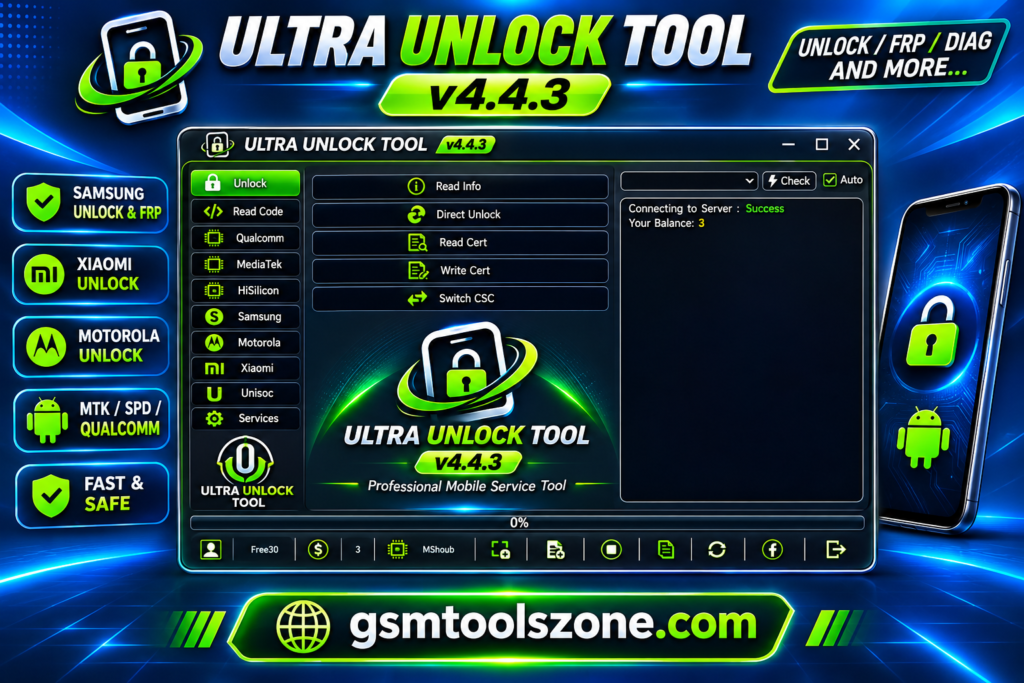
Conclusion
Ultra Unlock Tool v4.4.3 is a useful mobile servicing tool for technicians who need different unlocking and repair features in one place. Ultra Unlock Tool v4.4.3 offers functions such as FRP, ID, and KG unlocking, firmware flashing, certificate management, IMEI repair, Fastboot services, and Samsung Direct Unlock options through MediaTek BROM and ISP modes. Ultra Unlock Tool v4.4.3 supports multiple brands and chipsets, but available features depend on the device model and tool version. It has a simple interface, whether you are a beginner or an expert. You can download this tool solve your problem in easy way and smoothly.
FAQs
What is Ultra Unlock Tool used for?
Ultra Unlock Tool is used for mobile servicing tasks such as FRP unlocking, ID and KG unlocking, firmware flashing, IMEI repair, and other supported device operations.
Does Ultra Unlock Tool support MediaTek BROM mode?
Yes, the tool supports selected unlocking operations through MediaTek BROM mode. The phone must be compatible and properly entered into BROM mode.
Does Ultra Unlock Tool support IMEI repair?
Yes, it includes IMEI repair options for selected supported devices. Only perform IMEI-related repairs on devices you own or are authorized to service.
Is Ultra Unlock Tool free to use?
The availability of free features or paid activation depends on the software version and its licensing terms. Check the official source for current details.
One Comment
Comments are closed.