
V-EMMC Tool v1.0 for Download eMMC Repair [2027]
When an Android phone gets stuck in a bootloop, becomes unresponsive, or is locked due to a forgotten screen password or FRP protection, repairing it can be difficult. V-EMMC Tool v1.0 is a Windows-based mobile servicing tool designed to help technicians perform supported eMMC and UFS storage operations through the ISP method. It offers useful features such as firmware flashing, dump file writing, dead boot repair, screen lock reset, and FRP servicing on compatible devices. V-Emmc Tool v1.0 supports storage repair functions and helps mobile technicians troubleshoot certain software-related problems and restore device functionality.
Also Use: SN Write Tool V2.1504 Download for MediaTek IMEI Repair
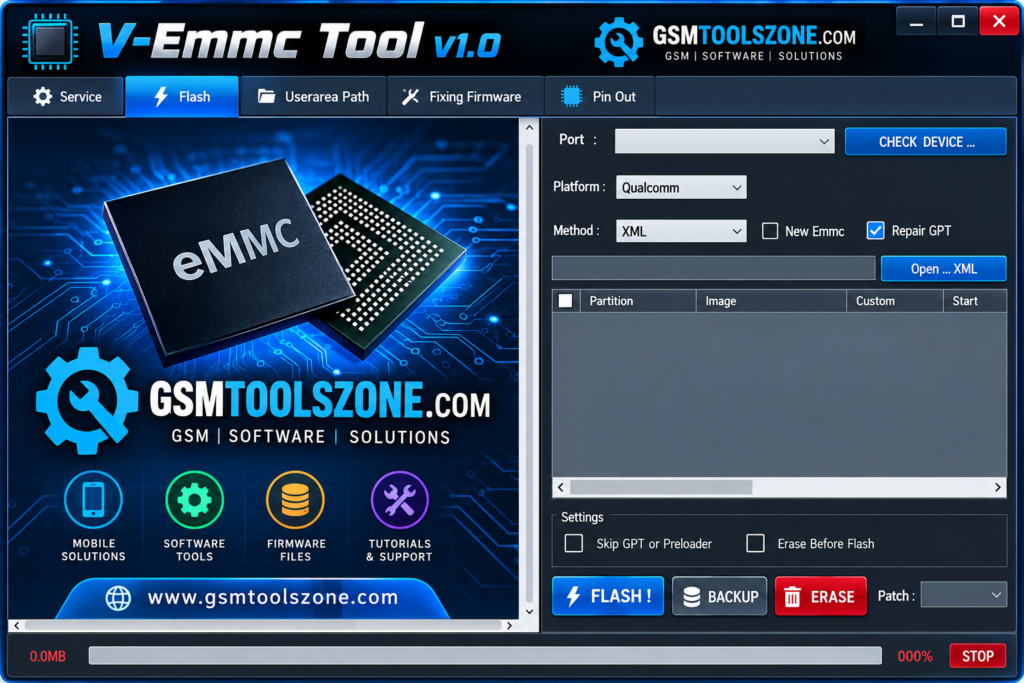
What is V-Emmc Tool v1.0?
V-EMMC Tool v1.0 is a Windows-based mobile servicing tool used to repair supported Android phones with eMMC and UFS storage. It helps mobile technicians perform tasks such as firmware flashing, dump file writing, dead boot repair, screen lock reset, and FRP servicing. The tool uses the ISP method for supported storage operations and may help troubleshoot certain software problems. It is mainly useful for mobile repair technicians who need to diagnose and repair compatible devices.
Features
eMMC and UFS Storage Support:
V-EMMC Tool supports selected storage operations on compatible eMMC and UFS devices. Available functions depend on the phone model and storage type.
Firmware Installation:
The tool helps technicians install compatible firmware on supported devices to address certain software problems and boot issues.
Storage Data Management:
It provides read and write functions for supported storage areas, helping technicians manage device data during repair work.
Dump File Handling:
Technicians can use supported dump files to restore or write storage data. Choosing the correct file is important to avoid further device problems.
Dead Boot Troubleshooting:
The tool offers functions for repairing certain dead-boot conditions caused by software or storage-related faults on compatible devices.
ISP Connection Method:
V-EMMC Tool uses the In-System Programming (ISP) method for supported storage operations. This method may require a proper hardware connection to the phone’s motherboard.
Device Connection Settings:
The tool provides connection and port settings to help technicians select the appropriate communication interface when connecting a supported device to a computer.
Screen Lock and FRP Servicing:
The tool advertises screen lock reset and Factory Reset Protection (FRP) servicing options for compatible devices. Availability depends on the model and supported functions.
Multiple Repair Operations:
V-EMMC Tool brings several storage and software servicing functions into one Windows application, helping technicians handle different supported repair tasks from a single interface.
Simple User Interface:
Its interface provides access to the available repair functions and settings. Users should understand the selected operation before making changes to device storage.
Pros and Cons
Pros
- Supports eMMC and UFS storage operations on compatible devices.
- Offers firmware flashing and dump file writing features.
- Includes functions for certain dead-boot problems.
- Supports ISP-based storage operations.
- Provides screen lock reset and FRP servicing options for supported devices.
- Combines multiple mobile repair functions in one tool.
Cons
- Supports only compatible devices and storage configurations.
- Some operations require technical knowledge and hardware connections.
- Incorrect files or settings may damage device data.
- Some features may not work with every phone model.
- A Windows PC and suitable drivers may be required.
System Requirements
| Requirements | Details |
|---|---|
| Operating System | Windows 7, 8, 10, or 11 |
| Processor | Intel or AMD |
| RAM | 4 GB or more |
| Storage | 1 GB free space |
| Drivers Required | Device and USB drivers |
| USB Connection | USB port and compatible cable |
How to download V-Emmc Tool v1.0?
- Visit a trusted source to find the V-EMMC Tool download file.
- Download the tool package to your computer.
- Extract the ZIP or RAR file using a file extraction program if required.
- Open the extracted folder and check the available setup files and instructions.
- Install any required USB or device drivers from a trusted source.
- Run the tool according to the included instructions.
Setup Download Information
- File Version: v1.0
- File Size: 75.46 MB
- File Password: gsmtoolszone.com
- Download Link👇
Conclusion
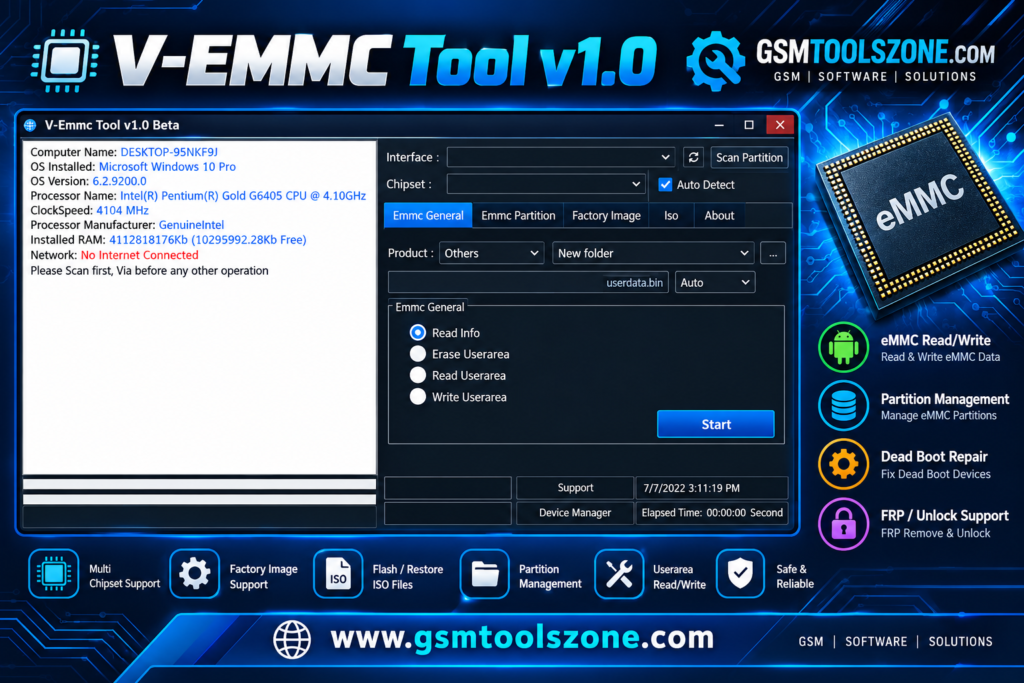
V-EMMC Tool v1.0 is a useful Windows application for mobile repair technicians who work with supported Android devices. It provides features for firmware flashing, storage operations, dump file writing, and troubleshooting certain dead-boot problems. This tool also offers screen lock and FRP servicing options for compatible devices. It is easy to use everyone can repair EMMC devices with the help of V-Emmc Tool.
FAQs
Can V-EMMC Tool repair dead Android phones?
It offers functions for troubleshooting certain dead-boot problems. However, it cannot repair every dead phone, especially when the problem is caused by hardware damage.
Can V-EMMC Tool flash firmware?
Yes, it offers firmware flashing functions for supported devices. You should always use the correct firmware for your device model.
Is V-EMMC Tool easy to use?
The tool provides a graphical interface for its repair functions. However, storage operations and ISP connections require technical knowledge to avoid damaging the device.
One Comment
Comments are closed.