QCN Tool v1 Setup Download 100% Working
Network problems a Qualcomm Android device loses service, shows an invalid IMEI, or has incorrect network settings. QCN Tool v1 provides a simple solution for working with QCN files on supported Qualcomm Android smartphones and tablets. It allows technicians to back up, examine, edit, and restore supported QCN data when dealing with network and configuration problems. QCN Tool v1 also helps to manage supported IMEI information and restore saved configuration files when required.
Also Use: Alriqi Soft Tool V2 Full Activated Version 2026
What is QCN Tool v1?
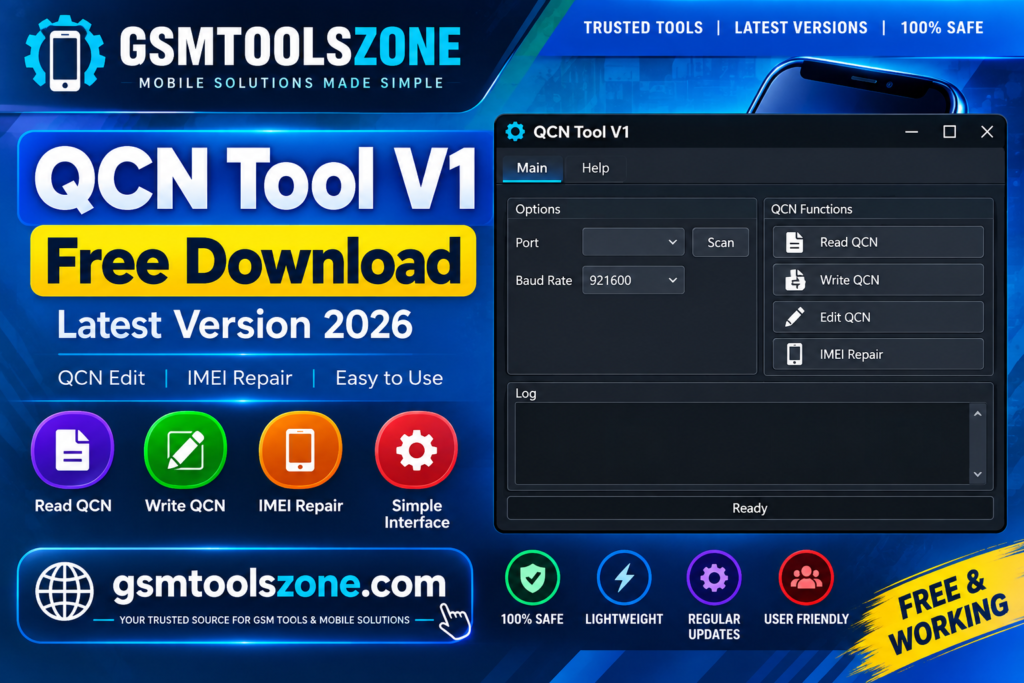
QCN Tool v1 is a Windows-based tool designed for Qualcomm Android smartphones and tablets. It helps mobile technicians manage QCN files that contain important network and modem configuration data. The tool can be used to back up, read, examine, and restore QCN files on supported Qualcomm devices. It also provides options to view and manage supported IMEI information when a device has network-related configuration problems.
Features
IMEI Information:
QCN Tool v1 can display supported IMEI information stored in QCN files. This helps technicians check device information during troubleshooting.
IMEI Management:
The tool provides options to work with supported IMEI data. Technicians can inspect the available information when dealing with compatible Qualcomm devices.
QCN File Backup:
Users can create a backup of supported QCN configuration data before making changes. This helps keep a copy of the original configuration.
QCN File Restore:
The restore function allows users to load a previously saved QCN file on a supported Qualcomm device when configuration data needs to be recovered.
QCN File Creation:
QCN Tool can help prepare QCN files for supported device configurations. This can be useful during authorized Qualcomm device servicing.
QCN Data Management:
The tool provides different options for managing QCN data in one place, making common QCN-related tasks easier to handle.
SIM Configuration:
It supports SIM-related configuration options for compatible devices. Users can select the appropriate SIM setup according to the supported device.
Qualcomm Device Support:
QCN Tool is designed for supported Qualcomm-based Android smartphones and tablets, making it useful for technicians working with Qualcomm device configurations.
IMEI Details Check:
Users can inspect available IMEI details from compatible QCN files. This can help identify configuration information during device troubleshooting.
Simple Repair Workflow:
The tool brings QCN backup, restore, viewing, and management options together in a simple workflow, helping technicians handle supported Qualcomm servicing tasks more easily.
Pros and Cons
Pros
- Easy to use for Qualcomm devices
- Supports QCN backup and restore
- Helps check supported IMEI information
- Provides QCN data management options
- Supports SIM configuration settings
- Useful for mobile technicians
- Simple workflow
Cons
- Mainly designed for Qualcomm-based devices
- Requires a Windows computer
- Features may vary depending on the supported device
- Requires proper QCN files and device connection
- Incorrect configuration changes can cause device problems
System Requirements
| Requirements | Details |
|---|---|
| Operating System | Windows 7, 8, 10, or 11 |
| Processor | Intel or AMD processor |
| RAM | 2 GB or more |
| Storage | At least 100 MB of free space |
| USB Port: | Required for connecting the Android device |
How to download QCN Tool v1?
- Visit the official website.
- Click on the Download button to start the download.
- Wait for the download to complete.
- Extract the downloaded ZIP file if it is compressed.
- Open the extracted folder and run the QCN Tool v1.
- Install the required USB drivers if your device is not detected.
Setup Download Information
- File Version: V1
- File Size: 31.68 MB
- Download Link👇
Conclusion
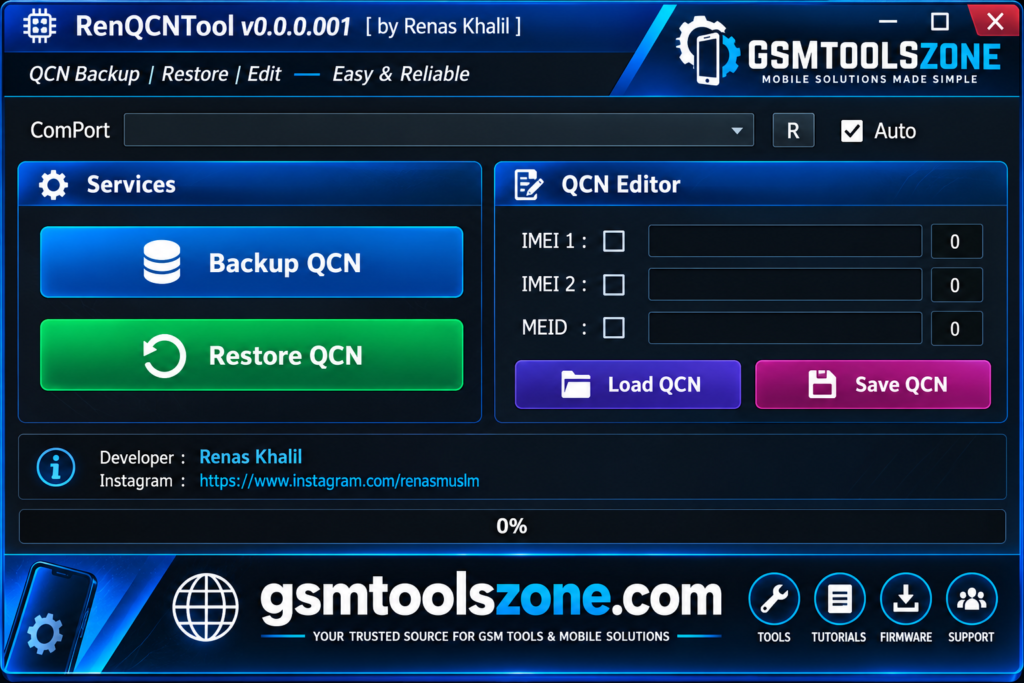
QCN Tool v1 is a useful Windows tool for supported Qualcomm Android devices. It helps technicians back up, restore, create, and manage QCN files and check supported IMEI information. Its simple workflow makes Qualcomm device servicing and troubleshooting easier.
FAQs
What is QCN used for?
QCN files contain important network and modem configuration data for supported Qualcomm devices.
Can QCN Tool back up QCN files?
Yes, the tool can create a backup of supported QCN configuration data.
Do I need Qualcomm USB drivers?
Yes, compatible Qualcomm USB drivers may be required so the computer can properly detect the connected device.
Is QCN Tool easy to use?
Yes, it provides a simple workflow for common QCN backup, restore, and management tasks.



One Comment
Comments are closed.