MDM Fix Tool V1.1.0.0 Tool Download Latest Version [2026]
Many Android users are stuck on MDM locks, FRP restrictions, blocked settings, and limited device access. These issues can make it difficult for users to use their mobile devices. MDM Fix Tool provides the best solution to these problems, whether you are a beginner or a professional. It has a simple and user-friendly interface. It helps users and mobile technicians.
Also Use: DFT Pro Tool Download Latest Version Fully Activated [2026]
What is MDM Fix Tool?
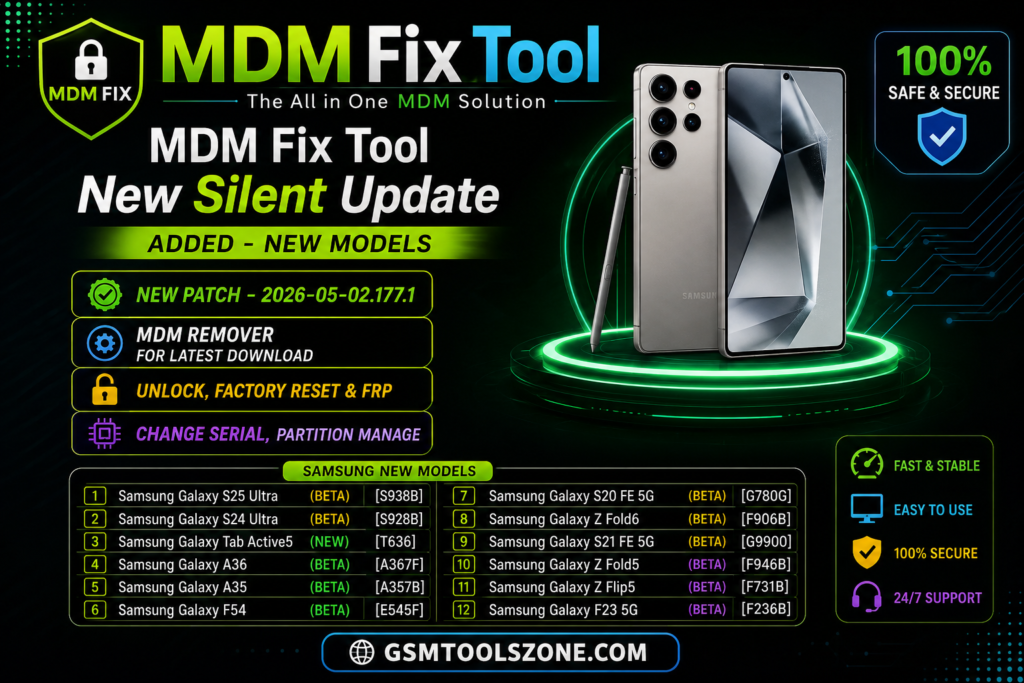
MDM Fix Tool is a window base android repairing and service software. It helps users and mobile technicians with different problems such as MDM locks, restricted settings, FRP-related issues, and device access limitations. This tool connects a computer and a mobile with USB and supports ADB and Fastboot modes. It is helpful for users and mobile technicians and supports Android devices such as Samsung, Xiaomi, Redmi, Oppo, Vivo, and other Android devices.
Features
MDM Lock Support
Helps handle supported MDM restrictions and device management locks.
FRP Support
Provides tools for working with supported FRP-related device restrictions.
Screen Lock Support
Helps technicians troubleshoot supported screen lock and access issues.
Device Information
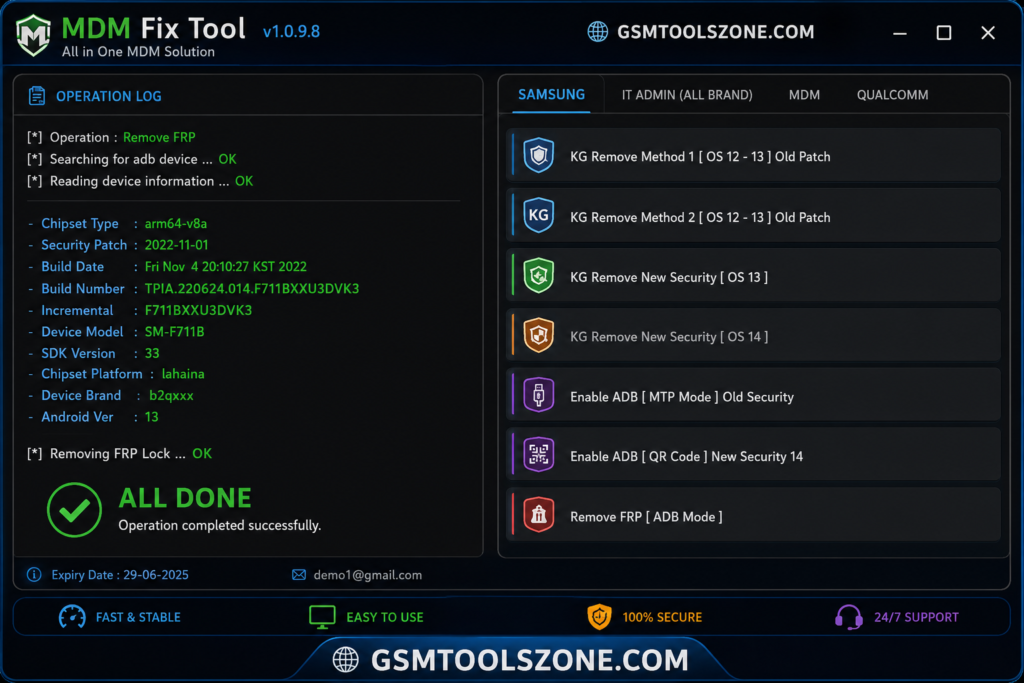
Shows useful details such as the device model, connection status, and system information.
ADB & Fastboot Support
Supports common Android service modes for debugging, repair, and device management.
USB & Driver Detection
Helps detect the connected Android device and required USB drivers.
Easy-to-Use Interface
A simple interface makes the tool easier to understand for beginners and technicians.
Fast Processing
Designed to perform supported operations quickly without unnecessary steps.
Lightweight Software
Uses a simple design and does not require a complicated setup.
Samsung Knox Guard Support
Provides support for supported Samsung devices with Knox Guard-related restrictions.
IT Admin Restriction Support
Helps technicians troubleshoot supported device management and administrator restrictions.
Stable Performance
Designed to provide consistent performance during supported Android repair operations.
System Requirements
| Requirement | Details |
|---|---|
| Operating System | Windows 7, 8, 10, or 11 (32-bit & 64-bit) |
| Processor | Intel or AMD Dual-Core processor or better |
| RAM | 4 GB minimum, 8 GB recommended |
| Storage | At least 500 MB of free space |
| USB Port | Working USB 2.0 or USB 3.0 port |
How to Download the MDM Fix Tool?
- Download the MDM Fix Tool setup file from the official website.
- If the file is compressed, extract the downloaded ZIP/RAR file to a new folder.
- Open the extracted folder and run the MDM Fix Tool setup or executable file.
- Follow the installation instructions and wait for the setup to finish.
- Launch MDM Fix Tool from your desktop or installation folder.
- Install the required Android USB drivers if your device is not detected.
- Connect your Android smartphone to the computer using a suitable USB cable.
- Select the required servicing function and follow the instructions shown by the tool.
Setup File Download Information
- File Version: v1.1.0.0
- File Size: 141.18 MB
- Download Link👇
Conclusion
MDM Fix Tool is a professional Windows-based software. It is useful for users and mobile technicians who need to solve various problems and management-related problems. It performs different functions very easily. It has a beginner-friendly interface and a complete servicing solution.
FAQs
Is the MDM fix tool free to use?
MDM Fix Tool may be available as a free utility, depending on the version. Always download it from a trusted source and check the license details before using it.
Should I back up my data before using the tool?
Yes. A backup is recommended because some Android servicing operations may reset the device or remove user data.
Why is my Android phone not detected by MDM Fix Tool?
Common causes include missing USB drivers, a faulty USB cable, an incorrect connection mode, or compatibility problems. Try another USB port or cable and make sure the required drivers are installed.
Can I use the MDM Fix Tool without technical knowledge?
Basic functions may be easy to understand, but some Android servicing operations require technical knowledge. Beginners should carefully follow the instructions and avoid changing advanced settings unnecessarily.